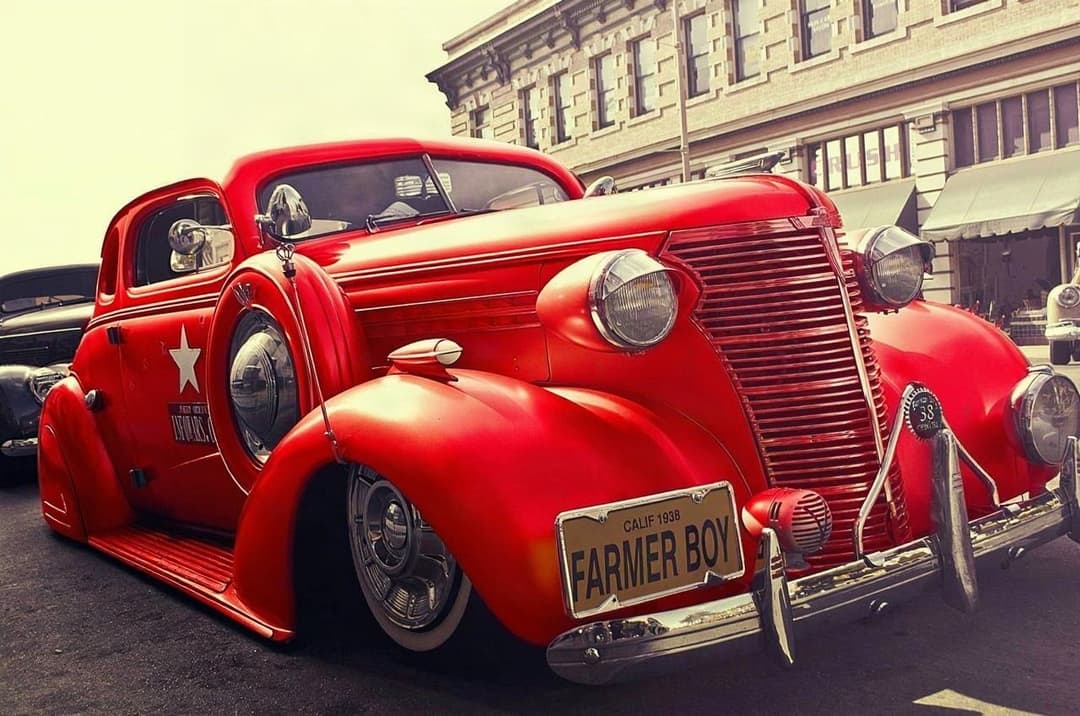
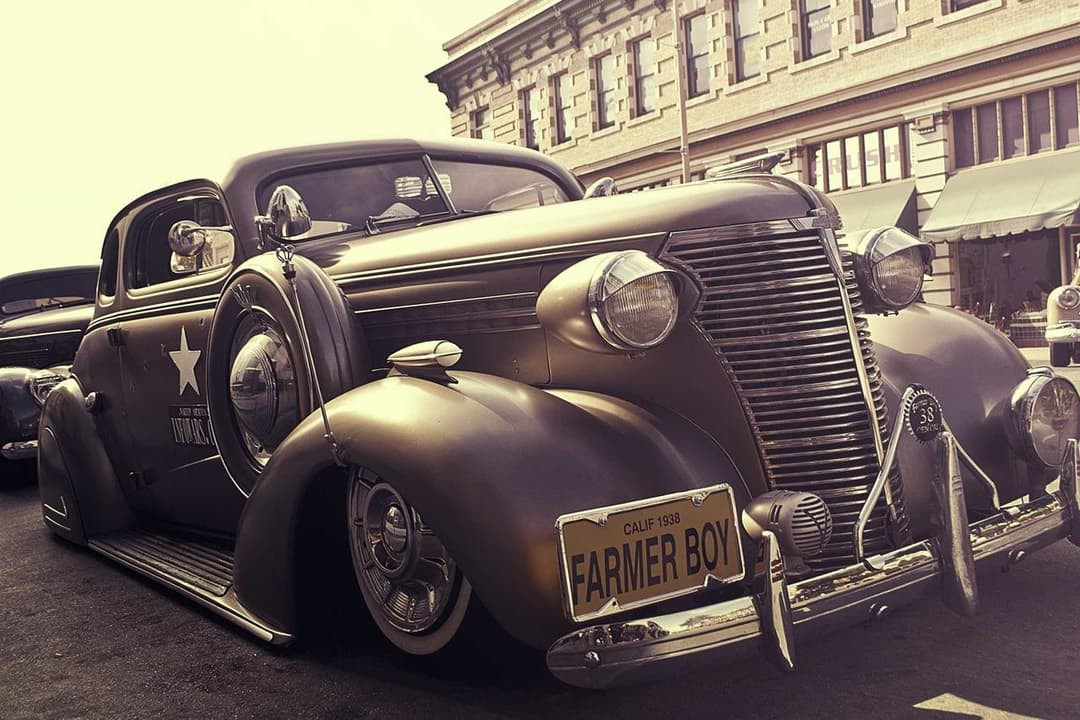
ModDrip vs Adobe Firefly
General generative fill vs car-specialized AI
Atualizado · August 2026
RESUMO
Firefly’s generative fill is a strong general tool inside Adobe’s suite, but recoloring or re-wheeling a specific car with a text prompt is inconsistent and often alters the vehicle. ModDrip is trained on cars, with curated real finishes and structure preservation. Choose Firefly for broad generative editing; choose ModDrip for faithful car mods.
Experimente o ModDrip em vez de Adobe FireflyAdobe Firefly brought generative fill and text-to-image into the Adobe ecosystem, and it is genuinely good at broad tasks — extending backgrounds, removing objects, generating elements. For cars specifically, though, prompting a recolor or wheel change tends to alter the vehicle and produces different results run to run, because it is a generalist model.
ModDrip focuses entirely on cars: curated real paint finishes, wheel styles and wraps, applied with structure preservation so your exact car survives the edit. Firefly is the better broad generative tool; ModDrip is the better car preview.
ModDrip vs Adobe Firefly: recurso por recurso
| Recurso | ModDrip | Adobe Firefly |
|---|---|---|
| Faithful car recolor | ✓Curated, structure-safe | Prompt-dependent, drifts |
| Curated real car styles | ✓Yes | No, prompt only |
| Broad generative fill | ✕Cars only | Strong, general |
| Inside Adobe apps | ✕Standalone | Deeply integrated |
| Consistency across edits | ✓High | Moderate |
| Learning curve | ✓Tap a swatch | Prompt writing |
| Price | =Free tier + low monthly | Credits + Creative Cloud |
Onde Adobe Firefly é forte
- +Strong general generative fill
- +Deeply integrated into Adobe apps
- +Commercially safe training data
- +Good background and object editing
Onde Adobe Firefly fica atrás
- −No car-specific tuning or styles
- −Recolors drift and alter the vehicle
- −Prompt-dependent, run-to-run variance
- −Best value only inside Creative Cloud
Quando escolher Adobe Firefly
Choose Firefly for broad generative editing inside Photoshop and the Adobe suite — background extension, object removal, general fill. For car-specific mods, use ModDrip.
Como Change your car color: Adobe Firefly vs ModDrip
Curated finish, structure preserved
Adobe Firefly
- 1Select the car and open generative fill
- 2Prompt the color you want
- 3Get a result where the car subtly changed
- 4Re-prompt to reduce the drift
ModDrip
- 1Upload the photo
- 2Tap a curated finish
- 3Faithful recolor, same car
Experimente o ModDrip em vez de Adobe Firefly
Envie uma foto e visualize qualquer modificação em segundos — sem saber editar.
Testar a demo grátisPerguntas frequentes
Is Firefly good for changing car color?+
It can attempt it via generative fill, but as a general model it often alters the car and varies between runs. ModDrip is tuned for faithful car recolors.
Does ModDrip integrate with Adobe apps?+
ModDrip is a standalone web tool. Export your modified car and finish it in Photoshop or Lightroom if you like.
Which is more consistent for cars?+
ModDrip, because it uses curated car styles and structure preservation rather than open text prompts.
✓ Os fatos da comparação foram verificados na data indicada acima. Recursos e preços dos concorrentes podem mudar — atualizamos estas páginas quando isso acontece.
Continue explorando
🎬 ModDrip AI Video
Transforme a foto do seu carro em um vídeo cinematográfico
Envie, personalize e anime — um clipe de 5 segundos do seu carro, pronto para as redes.