ModDrip vs Canva
Design templates vs car modification AI
Atualizado · August 2026
RESUMO
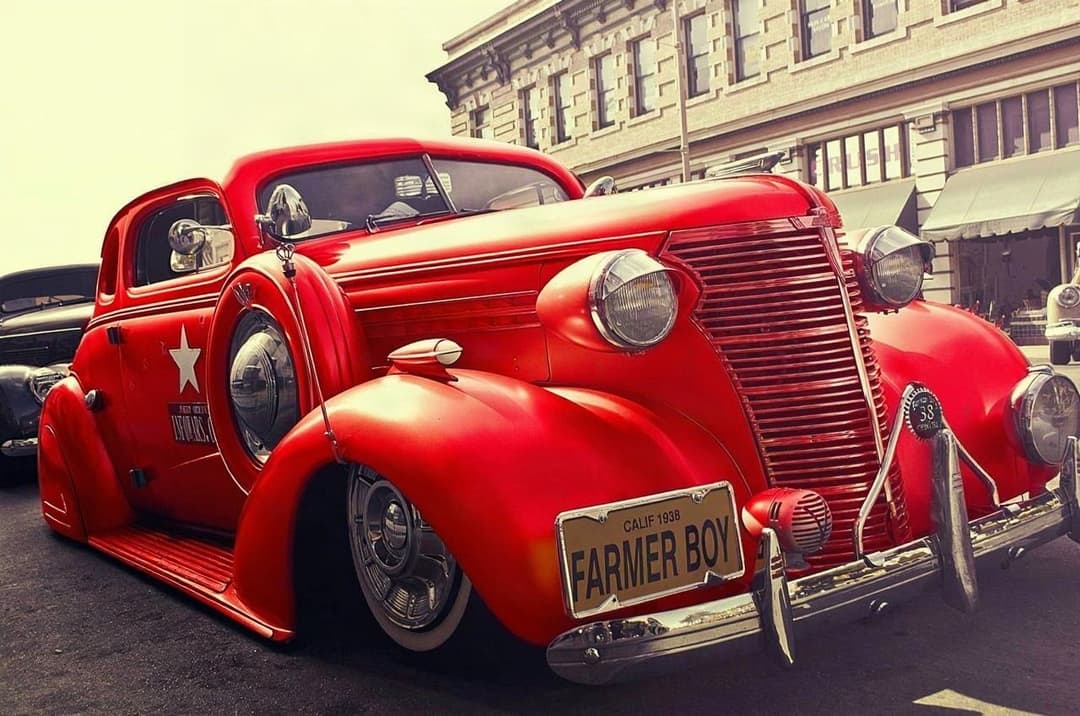
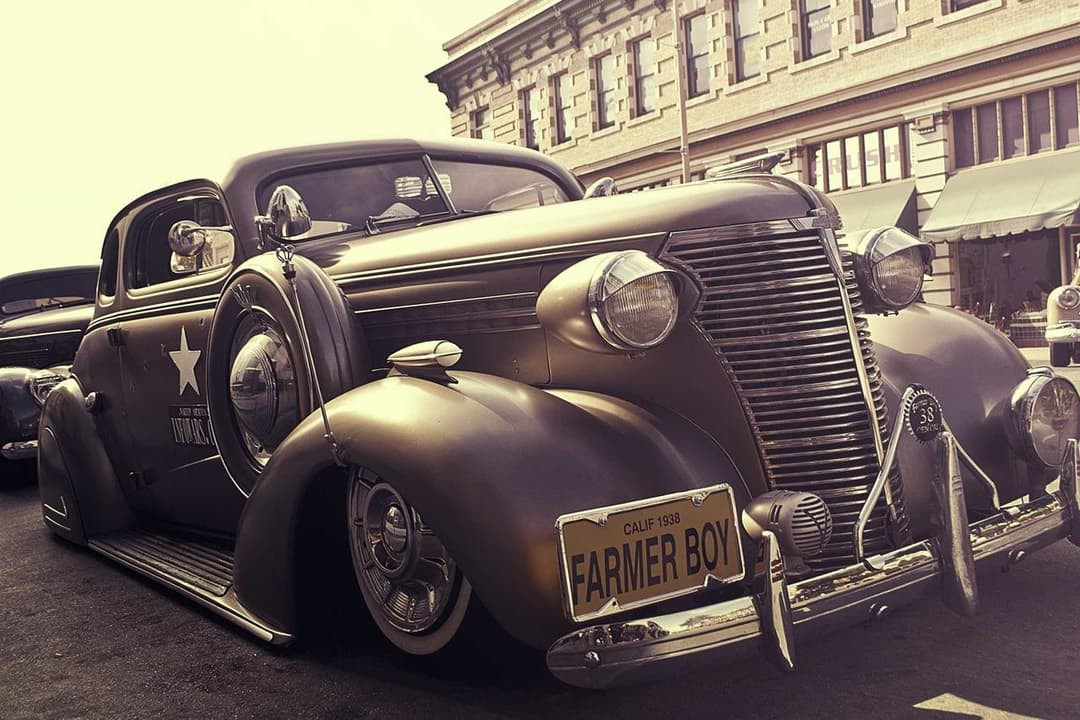
Canva is a brilliant drag-and-drop design tool for posts, thumbnails and flyers — and it has some generic AI — but it has no idea what a car is. It cannot recolor paint or fit wheels convincingly. ModDrip does the car edit; drop the result into Canva for the graphic. They pair well.
Experimente o ModDrip em vez de CanvaCanva made design accessible to everyone: templates, drag-and-drop layouts, background removal and a set of general AI tools that are perfect for social graphics, thumbnails and flyers. What it does not have is any car-specific intelligence — recoloring a vehicle or swapping wheels means manual cutouts and generic filters that never look factory-real.
ModDrip handles the part Canva cannot: the believable car modification. The natural pairing is to create the modified car in ModDrip, then bring that image into Canva to build the post, price sheet or ad around it. One tool for the mod, one for the layout.
ModDrip vs Canva: recurso por recurso
| Recurso | ModDrip | Canva |
|---|---|---|
| Realistic car color change | ✓AI, factory-real | Generic filters only |
| Wheel / wrap / body-kit edits | ✓Yes | No |
| Social graphics & thumbnails | ✕Not offered | Excellent |
| Templates & brand kits | ✕No | Huge library |
| Team collaboration | ✕No | Strong |
| Believable car finish | ✓Yes | No |
| Price | ✓Free tier + low monthly | Free + Pro sub |
Onde Canva é forte
- +Effortless drag-and-drop design
- +Enormous template and asset library
- +Great for social graphics and thumbnails
- +Team collaboration and brand kits
Onde Canva fica atrás
- −No car-aware editing whatsoever
- −Cannot recolor paint or swap wheels realistically
- −Generic AI, not tuned for vehicles
- −A layout tool, not a modification tool
Quando escolher Canva
Choose Canva to design the post, thumbnail, flyer or ad — the layout and typography around your car image. Use ModDrip first to create that car image.
Como Make a for-sale post of a recolored car: Canva vs ModDrip
A believable car in your graphic
Canva
- 1Try to recolor the car with generic filters
- 2Get an unconvincing, flat result
- 3Lay out the post around it anyway
ModDrip
- 1Recolor the car in ModDrip
- 2Drop the image into Canva
- 3Design the post around a real-looking car
Experimente o ModDrip em vez de Canva
Envie uma foto e visualize qualquer modificação em segundos — sem saber editar.
Testar a demo grátisPerguntas frequentes
Can Canva change a car’s color realistically?+
Not convincingly — its tools are generic. ModDrip performs a car-aware recolor, then you can bring the result into Canva for design.
Do ModDrip and Canva work together?+
Perfectly. Create the modified car in ModDrip, then use Canva to build the post, flyer or ad around it.
Is Canva a car editor?+
No, it is a design tool. For actual car modifications you need a car-specific AI like ModDrip.
✓ Os fatos da comparação foram verificados na data indicada acima. Recursos e preços dos concorrentes podem mudar — atualizamos estas páginas quando isso acontece.
Continue explorando
🎬 ModDrip AI Video
Transforme a foto do seu carro em um vídeo cinematográfico
Envie, personalize e anime — um clipe de 5 segundos do seu carro, pronto para as redes.