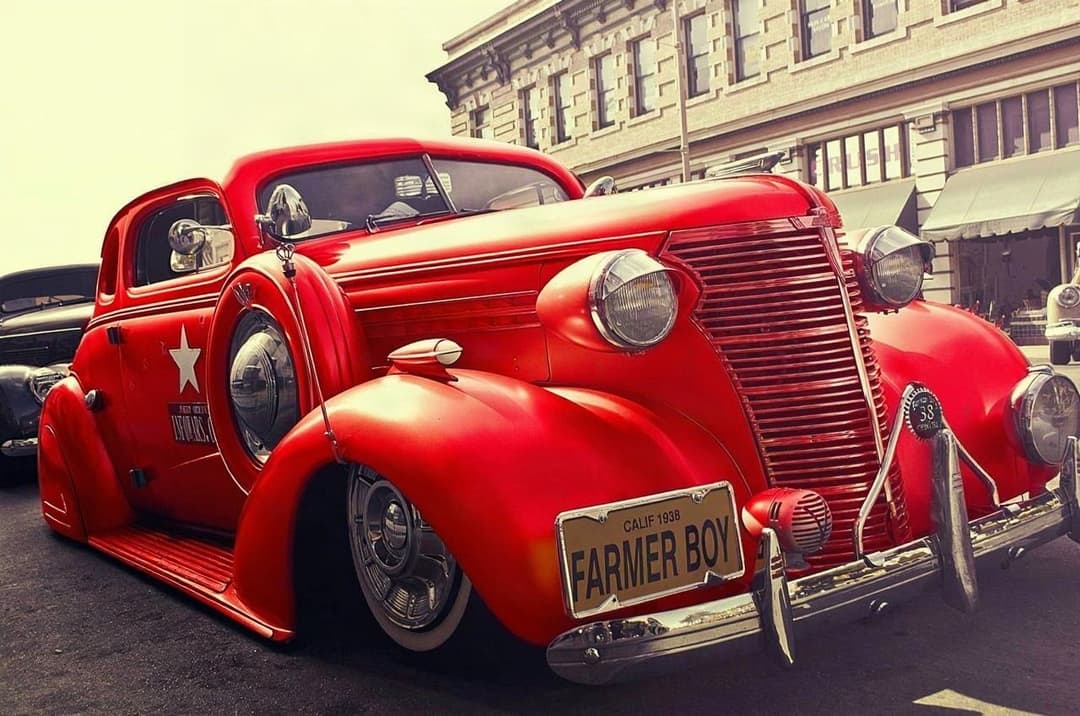
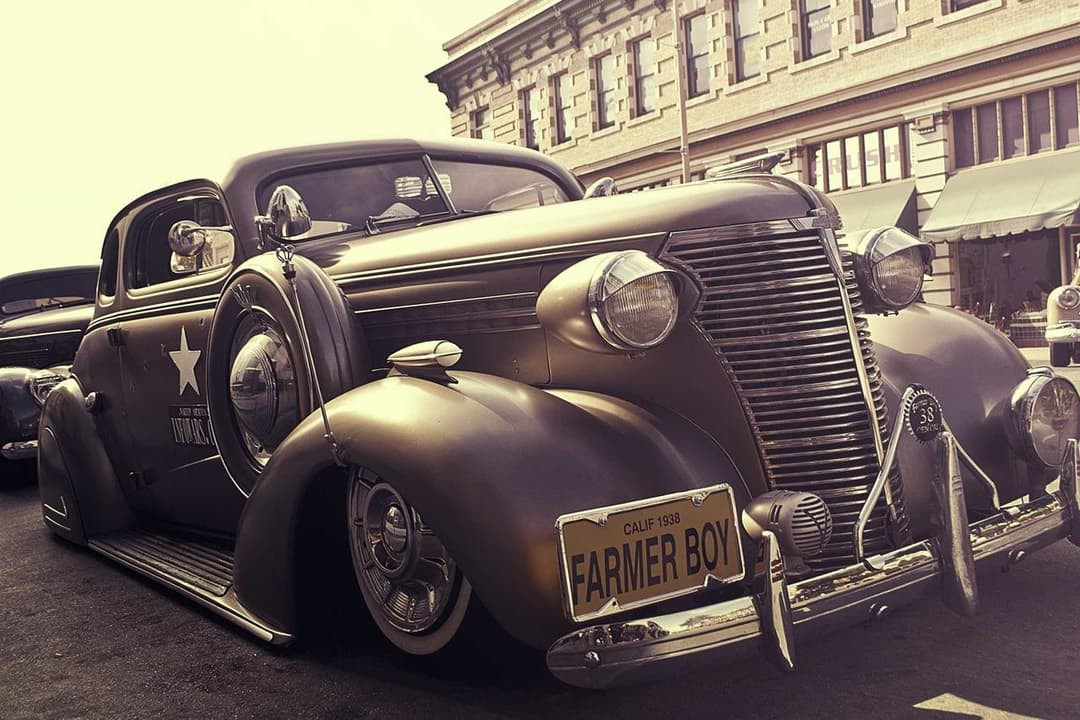
ModDrip vs 3DTuning
Generic 3D models vs AI on your real photo
Atualizado · August 2026
RESUMO
3DTuning lets you customize a library of pre-built 3D car models — fun, but it is a cartoonish generic model, never your actual car or your actual photo. ModDrip re-renders the real photo you took. Choose 3DTuning to play with a catalog car; choose ModDrip to preview mods on the specific car you own and photograph.
Experimente o ModDrip em vez de 3DTuning3DTuning is a long-running car configurator built on a catalog of 3D models. You pick a make and model, then tweak colors, wheels, ride height and body kits on a rendered 3D mesh. It is a great sandbox — but you are always modifying a generic model of the car, viewed in a neutral studio void, not the car sitting in your garage.
ModDrip works from your photograph. The lighting, the location, the exact trim and wheels of your car are all real, and the AI edits that image directly. For a shop mocking up a customer’s specific vehicle, or an owner picturing a wrap on their own car in their own driveway, that difference is everything.
ModDrip vs 3DTuning: recurso por recurso
| Recurso | ModDrip | 3DTuning |
|---|---|---|
| Works on your real photo | ✓Yes — your exact shot | No — a generic 3D model |
| Photorealistic output | ✓AI photo realism | Stylized 3D render |
| Exact model coverage | =Any car in a photo | Large but fixed catalog |
| Spin around in 3D | ✕Photo-based, single angle | Full 3D rotation |
| Real-world lighting & background | ✓Kept from your photo | Neutral studio void |
| Learning curve | ✓Upload + tap | Menus and sliders |
| Price | =Free tier + low monthly | Free with paid tiers |
Onde 3DTuning é forte
- +Full 360° 3D rotation of the model
- +Large catalog of makes and models
- +Fine slider control over stance and offsets
- +No photo needed to start
Onde 3DTuning fica atrás
- −Always a generic 3D model, never your car
- −Stylized render, not photorealistic
- −Neutral studio background only
- −Limited to cars in its catalog
Quando escolher 3DTuning
Choose 3DTuning when you want to rotate a car in full 3D and experiment on a catalog model without needing a photo, or when your car is in its library and you just want to play.
Como Preview a wrap on your own car: 3DTuning vs ModDrip
Your car and driveway — not a catalog render
3DTuning
- 1Find your model in the catalog (or a close one)
- 2Apply a wrap to the generic 3D mesh
- 3Accept a studio render that is not your car
ModDrip
- 1Upload the photo of your car
- 2Tap the wrap style
- 3See it on your real car and background
Experimente o ModDrip em vez de 3DTuning
Envie uma foto e visualize qualquer modificação em segundos — sem saber editar.
Testar a demo grátisPerguntas frequentes
Does 3DTuning use my own car photo?+
No. 3DTuning customizes a pre-built 3D model from its catalog. ModDrip edits the actual photo you upload so the result is your real car.
Is ModDrip more realistic than 3DTuning?+
For previews, yes — ModDrip produces a photorealistic edit of your real image, while 3DTuning renders a stylized 3D model in a studio void.
Can 3DTuning rotate the car in 3D?+
Yes, that is its strength. ModDrip works from a single photo angle but keeps full photo realism and your real background.
✓ Os fatos da comparação foram verificados na data indicada acima. Recursos e preços dos concorrentes podem mudar — atualizamos estas páginas quando isso acontece.
Continue explorando
🎬 ModDrip AI Video
Transforme a foto do seu carro em um vídeo cinematográfico
Envie, personalize e anime — um clipe de 5 segundos do seu carro, pronto para as redes.