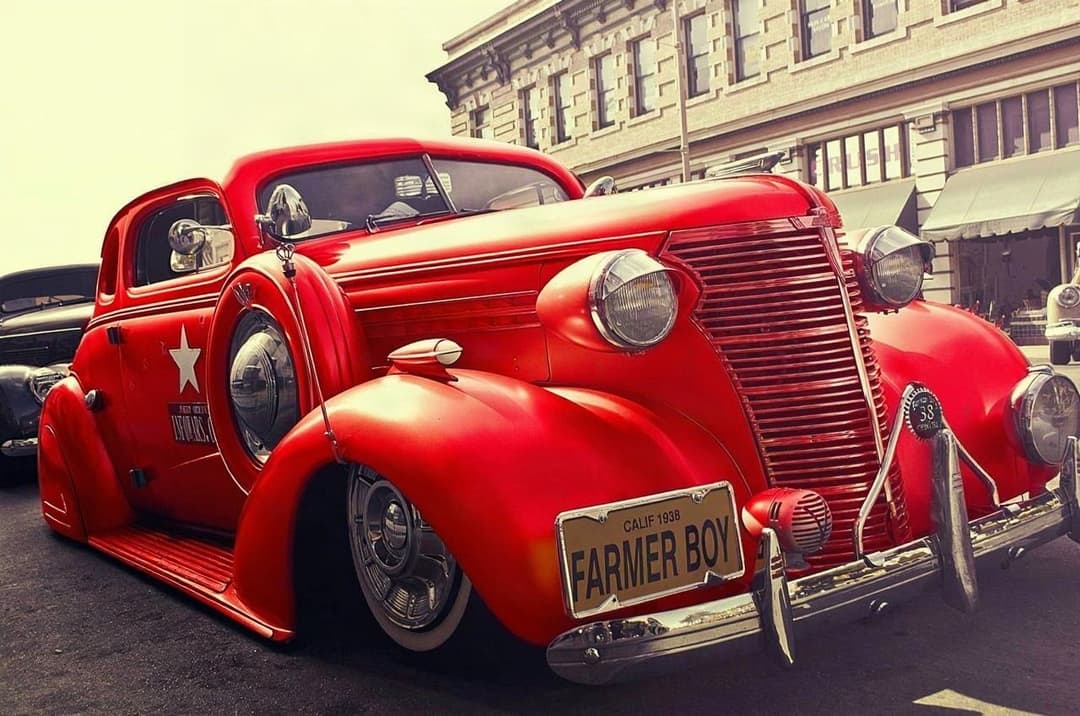
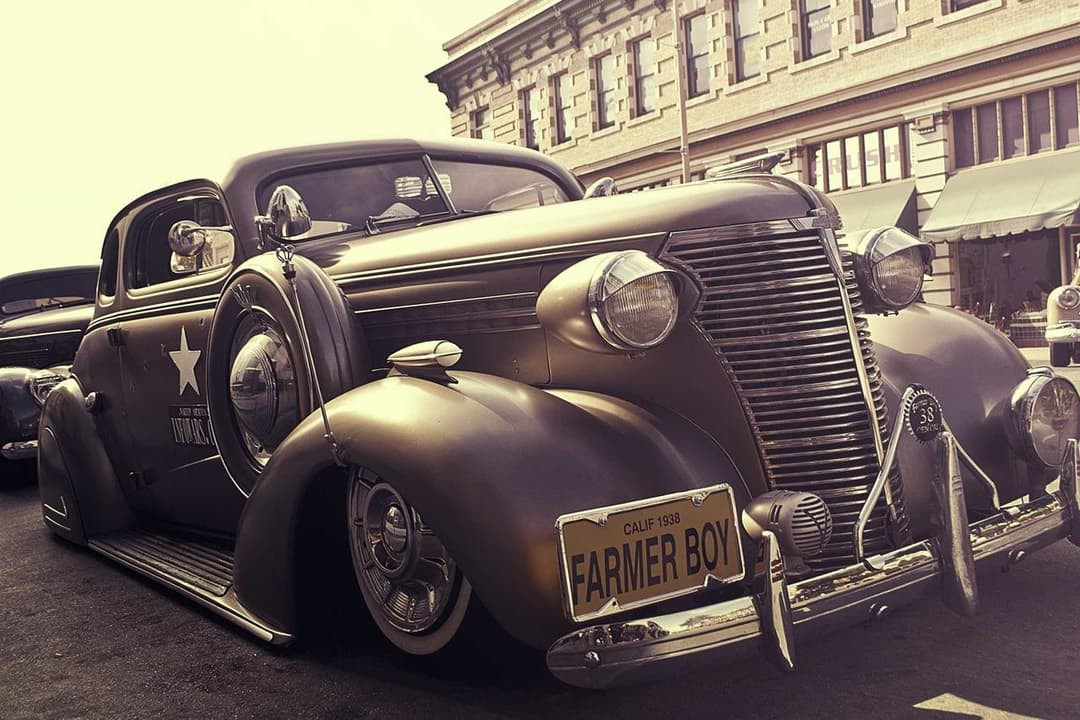
ModDrip vs PicsART
General mobile editor vs dedicated car AI
Actualizado · August 2026
RESUMEN
PicsArt is a capable all-purpose mobile editor with filters, stickers and some AI — but car color and wheel edits are manual and rarely look factory-real. ModDrip is trained specifically on cars, so reflections and body curves come out right automatically. Choose PicsArt for everyday photo fun; choose ModDrip for believable car mods.
Prueba ModDrip en vez de PicsARTPicsArt packs a huge range of tools into a phone app: filters, collage, background removal, stickers and a growing set of AI features. You can attempt a car color change with its replace-color or draw tools, but nothing understands that a car is a car — so paint bleeds onto trim, reflections stay the old color, and wheels are pure manual work.
ModDrip is narrow on purpose. Because the model only ever edits cars, it knows how light wraps around a fender and how a wrap should follow the body line. You tap a finish and it comes out looking like it left a booth, with none of the manual cleanup a general editor demands.
ModDrip vs PicsART: función por función
| Función | ModDrip | PicsART |
|---|---|---|
| Realistic car color change | ✓AI handles reflections | Manual, bleeds onto trim |
| Wheel / rim swaps | ✓Curated, fitted by AI | No true swap, manual only |
| Everyday photo editing | ✕Cars only | Broad and fun |
| Stickers, collage, filters | ✕Not offered | Extensive |
| Believable factory finish | ✓Yes | Rarely |
| Learning curve | ✓Tap a swatch | Moderate |
| Price | ✓Free tier + low monthly | Freemium + Gold sub |
Dónde destaca PicsART
- +Huge toolkit for general photo editing
- +Fun filters, stickers and collage tools
- +Large template and community library
- +Runs entirely on your phone
Dónde se queda corto PicsART
- −No car-aware color or wheel logic
- −Paint bleeds; reflections stay wrong
- −Wheel swaps are manual and unconvincing
- −Best features behind a Gold subscription
Cuándo elegir PicsART
Choose PicsArt when you want a do-everything mobile editor for social posts, collages and general photo fun where car realism is not the priority.
Cómo Change car color on your phone: PicsART vs ModDrip
Reflections handled automatically
PicsART
- 1Open the photo and pick the replace-color tool
- 2Brush the body while dodging trim and glass
- 3Watch reflections stay the original color
- 4Manually darken and repaint highlights
- 5Accept a flat, sticker-like result
ModDrip
- 1Upload the photo
- 2Tap the color
- 3Get a factory-real finish
Prueba ModDrip en vez de PicsART
Sube una foto y previsualiza cualquier modificación en segundos — sin saber editar.
Probar la demo gratisPreguntas frecuentes
Can PicsArt realistically change a car color?+
Only manually, and results tend to look flat because reflections and highlights are not updated. ModDrip re-renders the paint with correct lighting automatically.
Does PicsArt swap wheels?+
Not as a real feature — you would have to composite them by hand. ModDrip offers curated wheel styles fitted to your car by AI.
Is ModDrip better than PicsArt for cars?+
For car modifications specifically, yes. PicsArt is the stronger general-purpose editor; ModDrip is purpose-built for believable car mods.
✓ Los datos de la comparación se verificaron en la fecha indicada arriba. Las funciones y precios de la competencia pueden cambiar — actualizamos estas páginas cuando ocurre.
Sigue explorando
🎬 ModDrip AI Video
Convierte la foto de tu coche en un vídeo cinematográfico
Sube, modifica y anima — un clip de 5 segundos de tu coche, listo para redes.