AI showcase
Here's this AI car video, rendered by ModDrip AI so you can see the look before touching the car.
Look closely and the light still falls the way it did in the original shot; only the finish, stance and details have moved, which keeps the edit honest.
Static images undersell a build; a few seconds of motion is what makes a stranger stop, look, and ask what car it is.
Everything here started as an ordinary photo; the AI does the reimagining, but the car, the angle and the moment are real.
Bring your own car to it: one clear photo is enough for the editor to show you a direction like this, free to start.
Clip details
- Made with
- ModDrip AI Video
- Created
- Oct 5, 2026
- Community
- 0 likes · 3 views
Will it keep my car looking like my car?
Yes — the edit works from your own photo and preserves the body shape, angle and lighting. Only the styling changes, so the result still reads as your car.
What kind of cars work best?
Just about anything on four wheels. The sharper and less cluttered the photo, the better the result — a well-lit three-quarter angle is ideal.
Do I need to install anything?
No app and no download — ModDrip runs in your browser. Open the editor, upload a photo, and you're generating in seconds.
How long does a video take, and what does it cost?
About a minute for a clip. Trying image previews is free; turning one into video spends credits, and the amount is shown before you confirm.
How was this video made?
It was generated by ModDrip AI from a single car image — the still is edited first, then animated into a short cinematic clip. No filming, no rig.
Videos
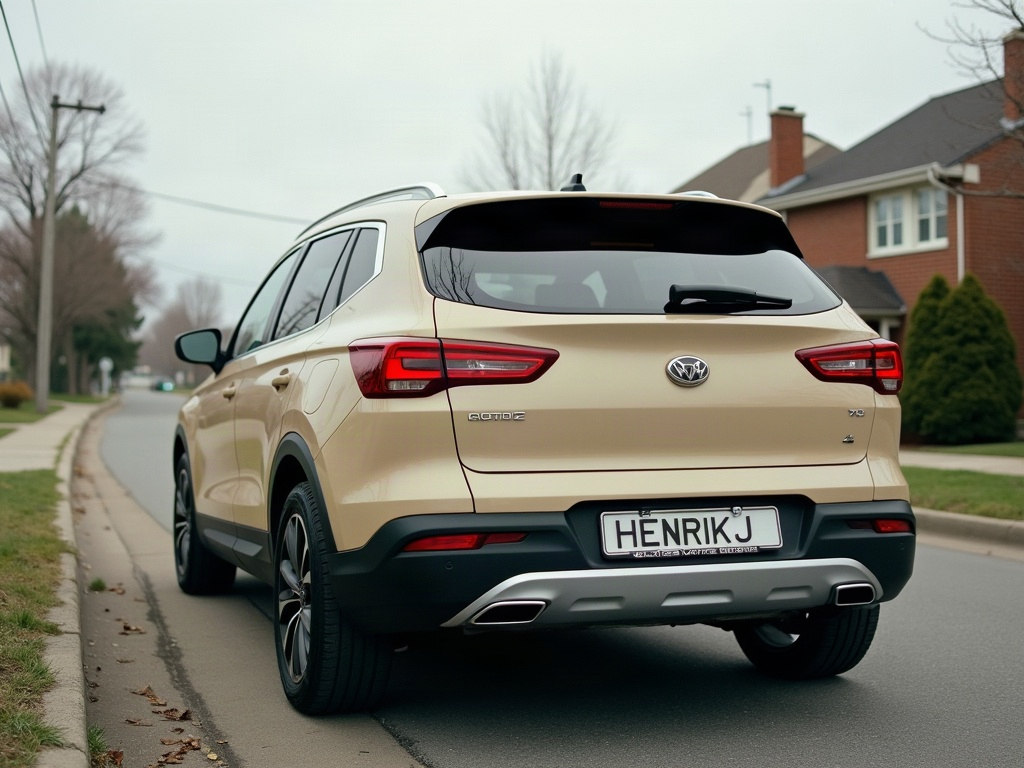
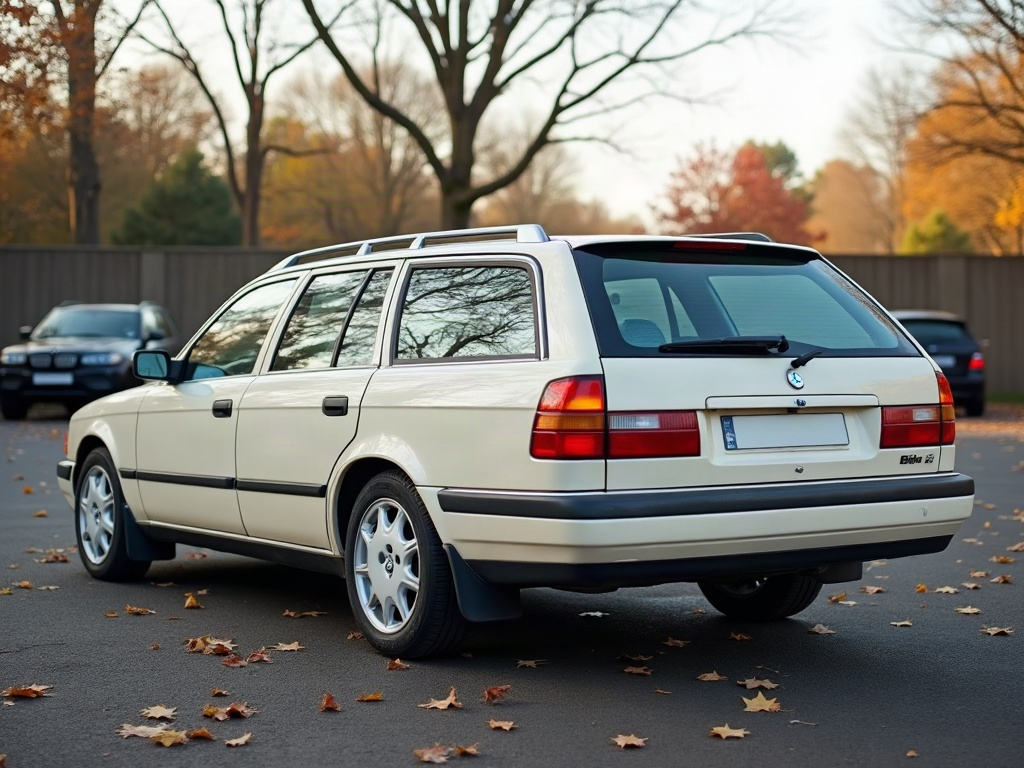
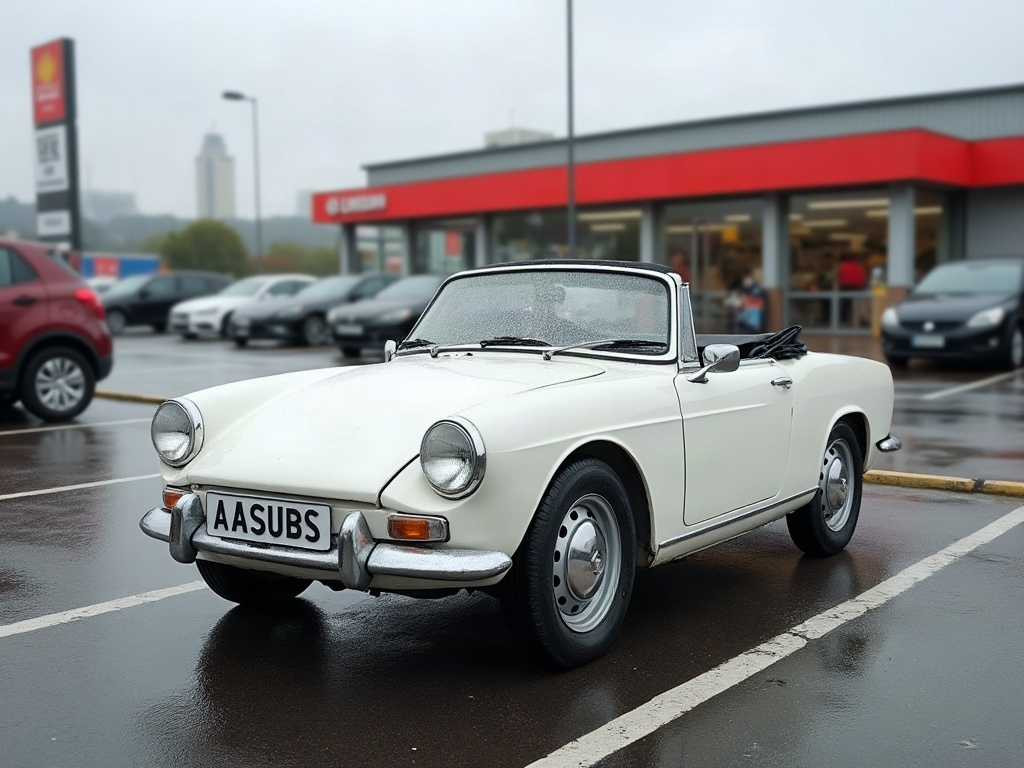
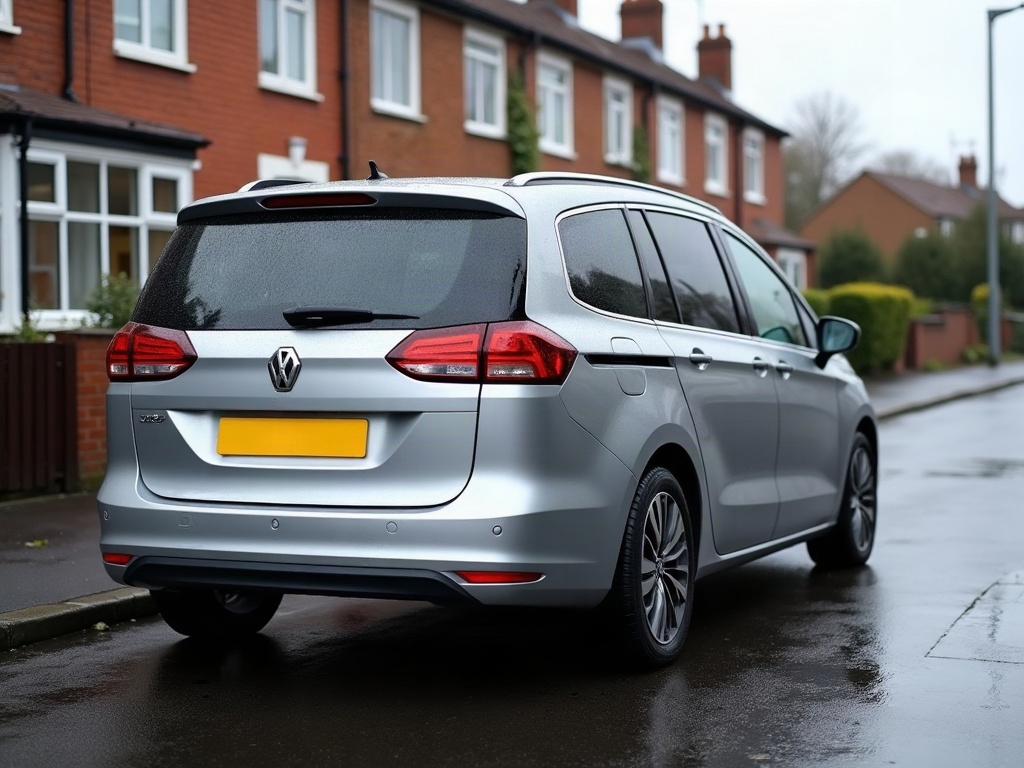
Community edits are published by ModDrip members from the in-browser video editor. Every clip starts from an AI build render — no credits are spent on editing.