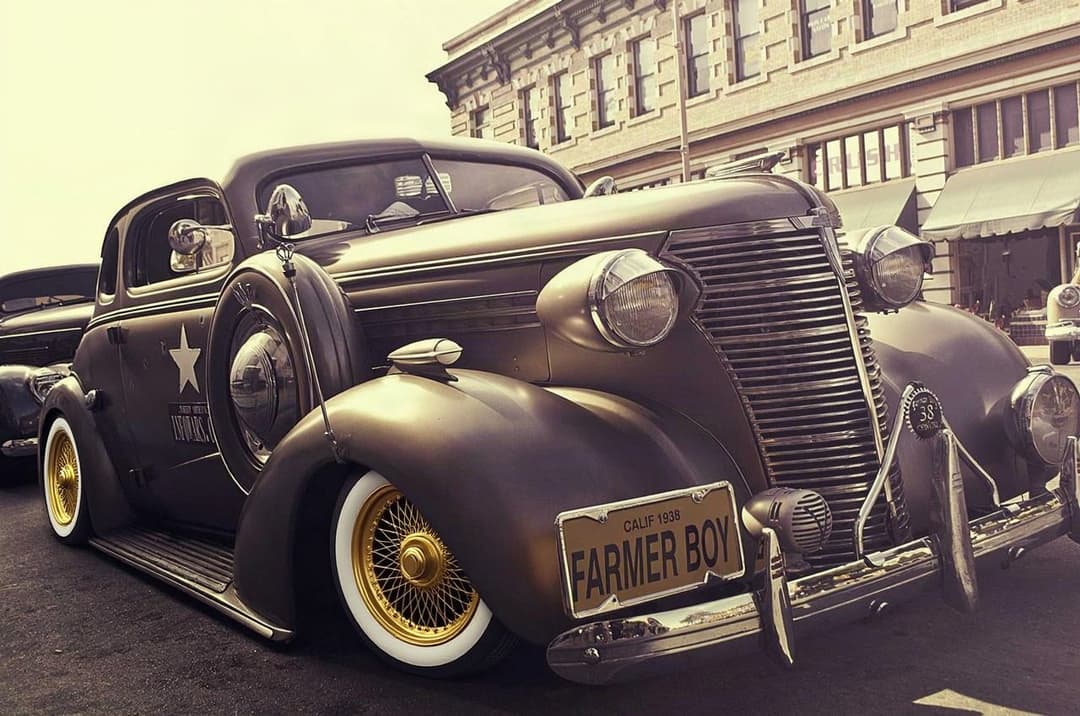
One photo to a full build
No skills, no waiting. Here's exactly what happens when you use ModDrip.
Try it now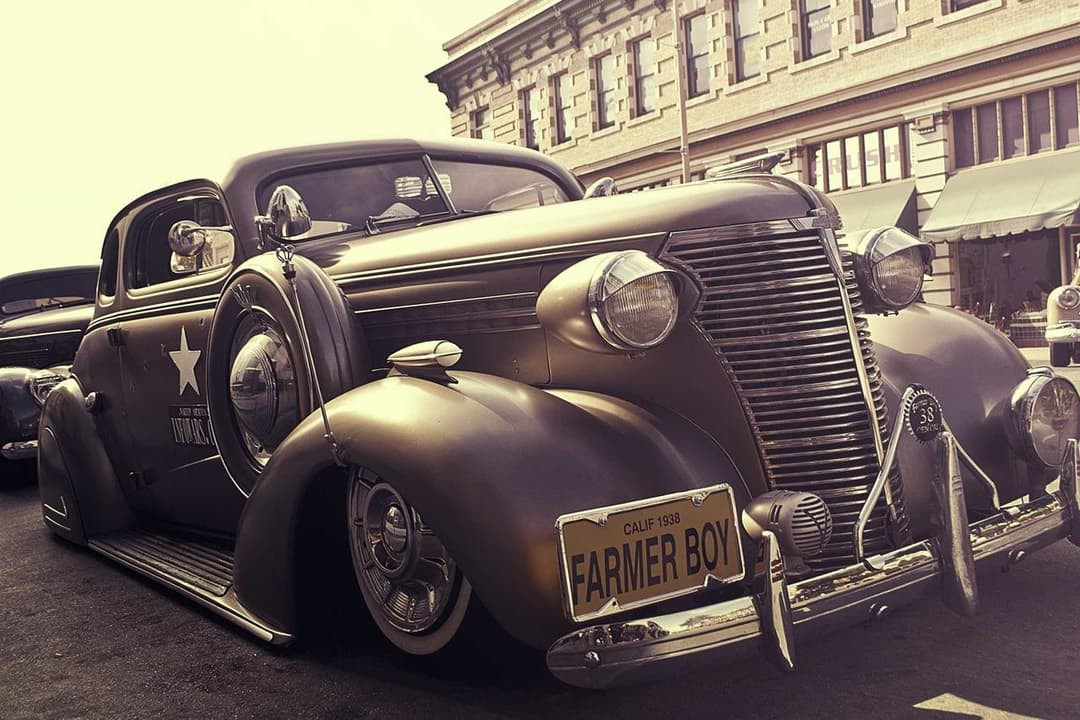
1. Upload your car
Snap or upload one photo of your actual car — phone quality is fine. ModDrip reads its shape, angle and lighting so the preview looks like your car, not a stock render.
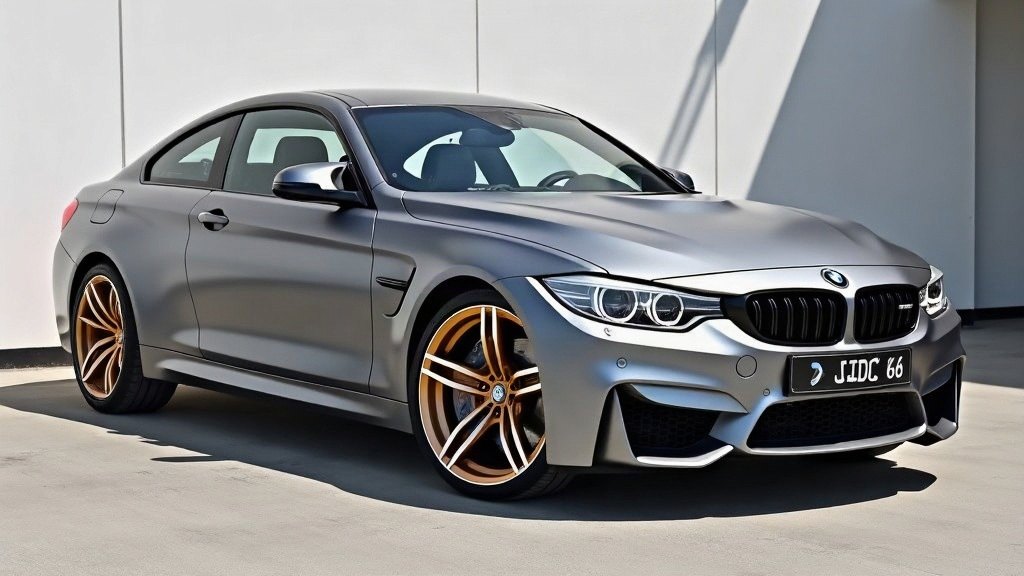
2. Pick your mods
Choose paint, wheels, a wrap, stance, a body kit or a full scene from 500+ options — or one-tap a ready-made style. Stack up to four mods into a single build.
3. Get your preview
The AI re-renders your car with correct reflections and lighting in seconds. Save it, share it, export a before/after reel, or take it to your body shop as a reference.
Get the best result
A good input photo makes a big difference.
Shoot in daylight or even, soft light — avoid harsh shadows and direct sun glare.
Frame the whole car, roughly side-on or three-quarter, filling most of the frame.
Keep the car clean and the background simple so the AI focuses on the paint and wheels.
Use the highest resolution you can — sharper input means a sharper preview.
Not sure about fitment or colour first? Try our free tools
Quick questions
Does it change my actual car?+
No — it creates a preview image. Nothing happens to your real car; you decide what to do with the result.
How long does it take?+
Seconds. A standard generation is quick; ultra (2K) takes a little longer for extra detail.
Do I need to pay to try?+
No — there's a no-signup guest try, and a free account comes with 10 credits.