AI showcase
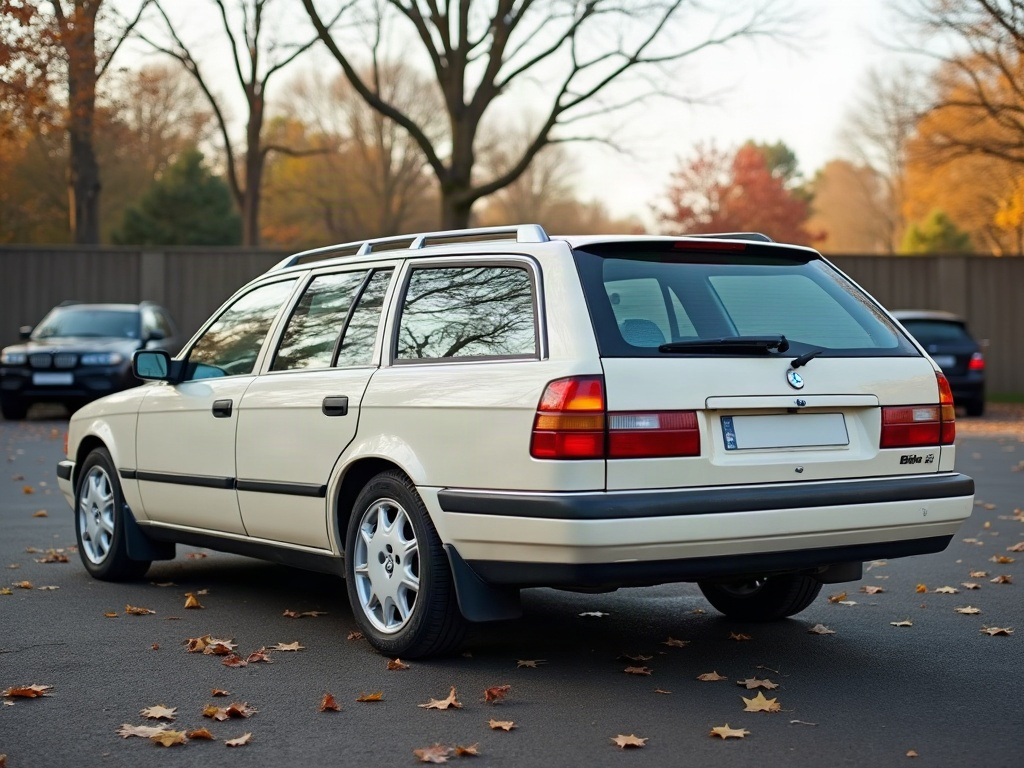
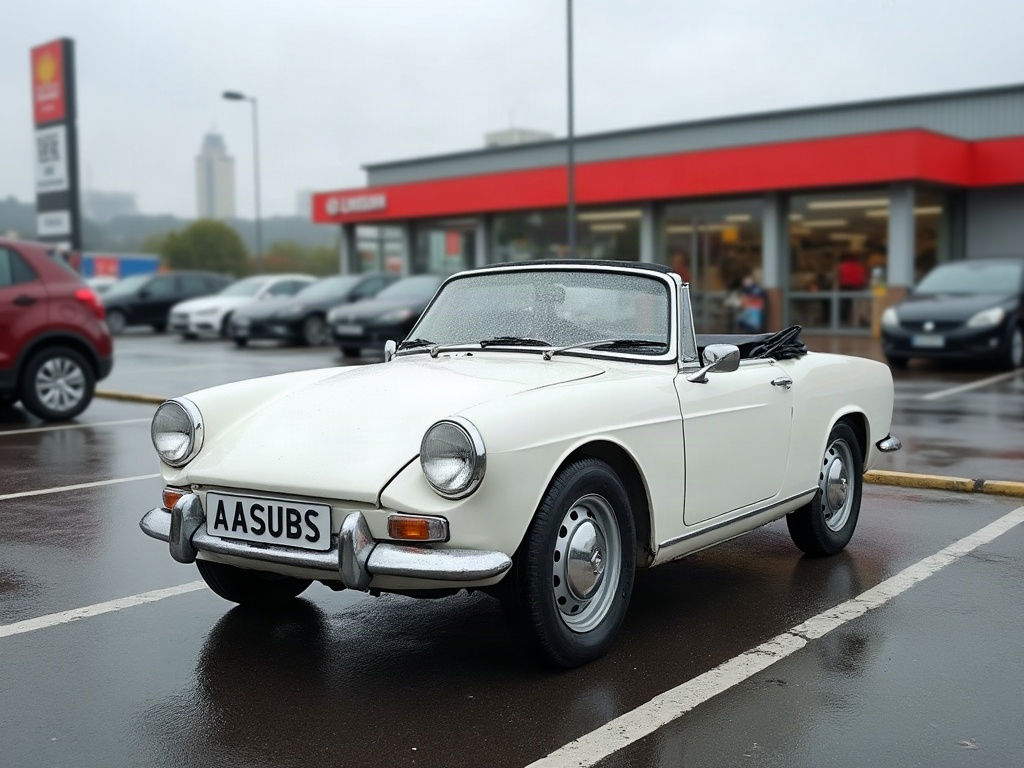
This AI car video, built entirely in the browser — no shop, no paint booth, just one photo and ModDrip AI.
Every panel, reflection and shadow is regenerated to match the new finish, which is what makes an AI preview useful — you judge the whole car, not a swatch.
The camera move does the work a walk-around would in person — you get a feel for the whole car, not just one frozen angle.
Whether it's a subtle refresh or a full transformation, the preview treats both the same way — show it first, commit later.
You can do the same on your car in seconds: upload a shot and let the editor preview it, free.
Clip details
- Made with
- ModDrip AI Video
- Created
- Sep 29, 2026
- Community
- 0 likes · 45 views
What kind of cars work best?
Almost any car in a reasonably clear photo works — daily drivers, classics, trucks, exotics. A clean side or three-quarter shot gives the AI the most to work with.
How was this video made?
From one photo. ModDrip edits the still, then brings it to life as a short cinematic clip — there's no camera crew and no real car on a set.
Do I need to install anything?
No app and no download — ModDrip runs in your browser. Open the editor, upload a photo, and you're generating in seconds.
Will it keep my car looking like my car?
It does. Because everything is generated on top of your original photo, the shape, the angle and the light stay put — only the styling is reimagined.
Can I download and share the video?
Yes. Finished clips are yours to download and share; this page also has share links so anyone can view it.
Videos


Community edits are published by ModDrip members from the in-browser video editor. Every clip starts from an AI build render — no credits are spent on editing.