AI showcase
Here's this AI car video, rendered by ModDrip AI so you can see the look before touching the car.
Look closely and the light still falls the way it did in the original shot; only the finish, stance and details have moved, which keeps the edit honest.
The camera move does the work a walk-around would in person — you get a feel for the whole car, not just one frozen angle.
ModDrip exists for exactly this — car people testing a look before spending real money, and sharing the ones that land.
You can do the same on your car in seconds: upload a shot and let the editor preview it, free.
Clip details
- Made with
- ModDrip AI Video
- Created
- Sep 29, 2026
- Community
- 0 likes · 29 views
Do I need to install anything?
No app and no download — ModDrip runs in your browser. Open the editor, upload a photo, and you're generating in seconds.
Will it keep my car looking like my car?
It does. Because everything is generated on top of your original photo, the shape, the angle and the light stay put — only the styling is reimagined.
Can I download and share the video?
Yes. Finished clips are yours to download and share; this page also has share links so anyone can view it.
How was this video made?
From one photo. ModDrip edits the still, then brings it to life as a short cinematic clip — there's no camera crew and no real car on a set.
Can I do this on my own car?
Yes. Upload a photo of your car and apply the same kind of direction — this AI car video. The first preview is free and needs no account.
Videos


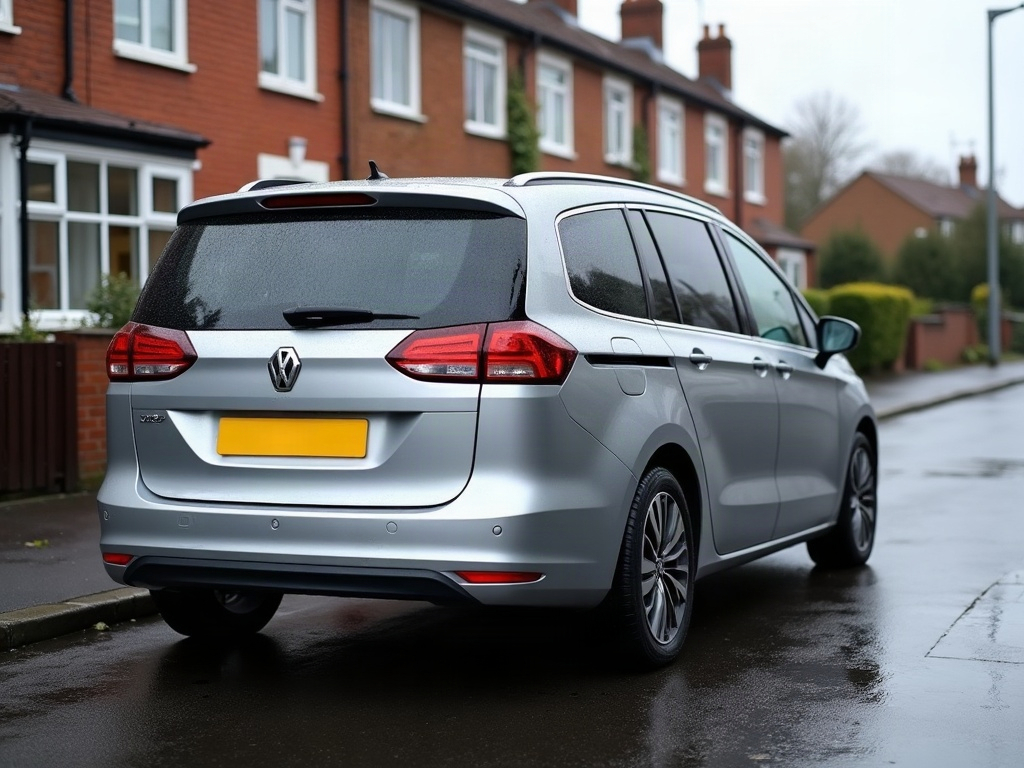
Community edits are published by ModDrip members from the in-browser video editor. Every clip starts from an AI build render — no credits are spent on editing.