AI showcase
This AI car video: a full visual makeover generated from one uploaded shot.
Because the edit works from your actual photo, the stance, angle and lighting stay yours; only the styling changes.
Turning a build into motion shows what a still can't: how the paint shifts under moving light and how the stance sits as the camera moves.
ModDrip exists for exactly this — car people testing a look before spending real money, and sharing the ones that land.
You can do the same on your car in seconds: upload a shot and let the editor preview it, free.
Clip details
- Made with
- ModDrip AI Video
- Created
- Oct 5, 2026
- Community
- 0 likes · 22 views
Do I need to install anything?
Nothing to install. It's a web editor, so it works the same on a phone or a laptop straight from the browser.
How was this video made?
From one photo. ModDrip edits the still, then brings it to life as a short cinematic clip — there's no camera crew and no real car on a set.
How long does a video take, and what does it cost?
A clip renders in about a minute. Image previews are free to try; video generation uses credits, shown before you confirm — no surprise charges.
What kind of cars work best?
Almost any car in a reasonably clear photo works — daily drivers, classics, trucks, exotics. A clean side or three-quarter shot gives the AI the most to work with.
Can I do this on my own car?
Yes. Upload a photo of your car and apply the same kind of direction — this AI car video. The first preview is free and needs no account.
Videos
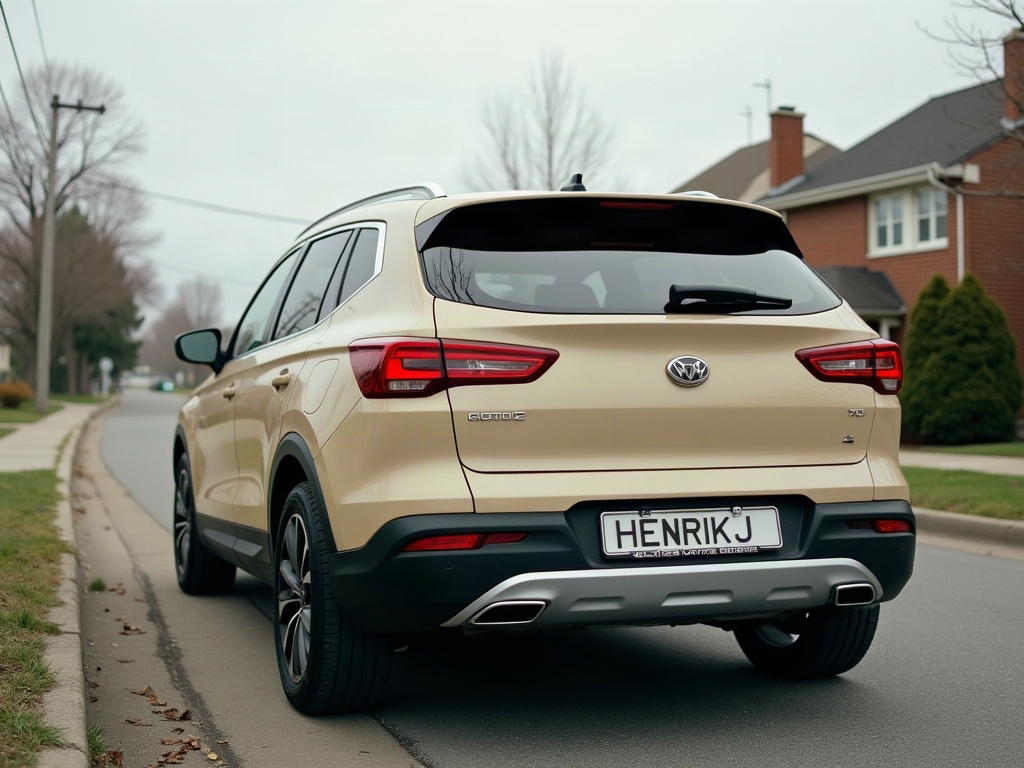
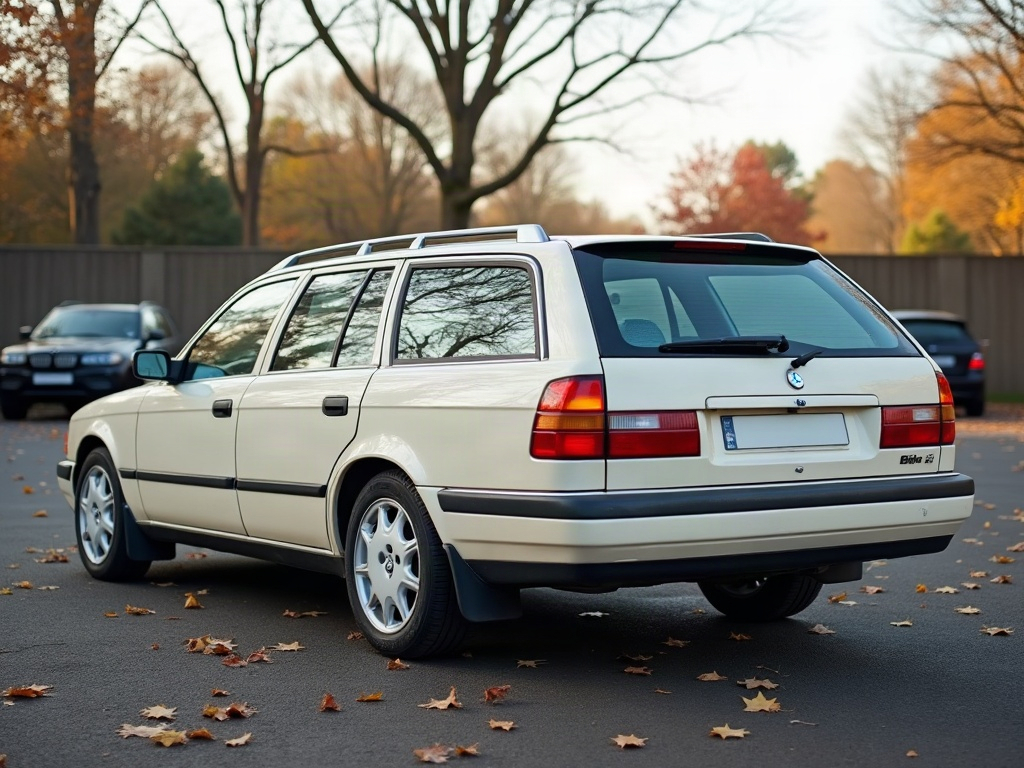
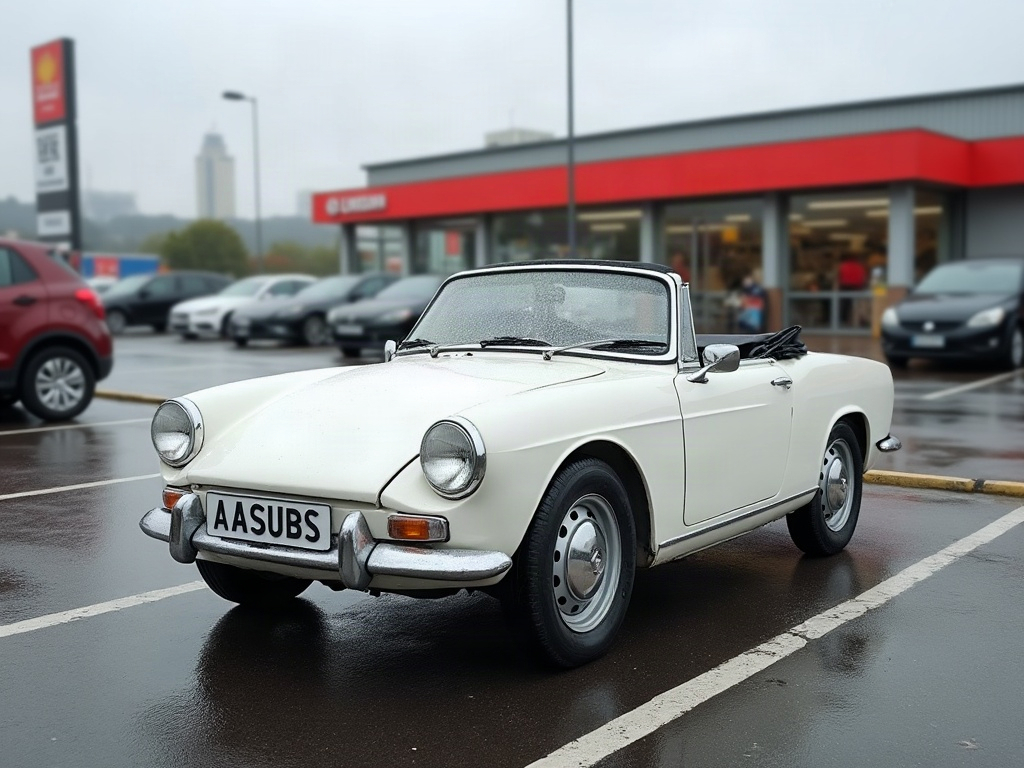
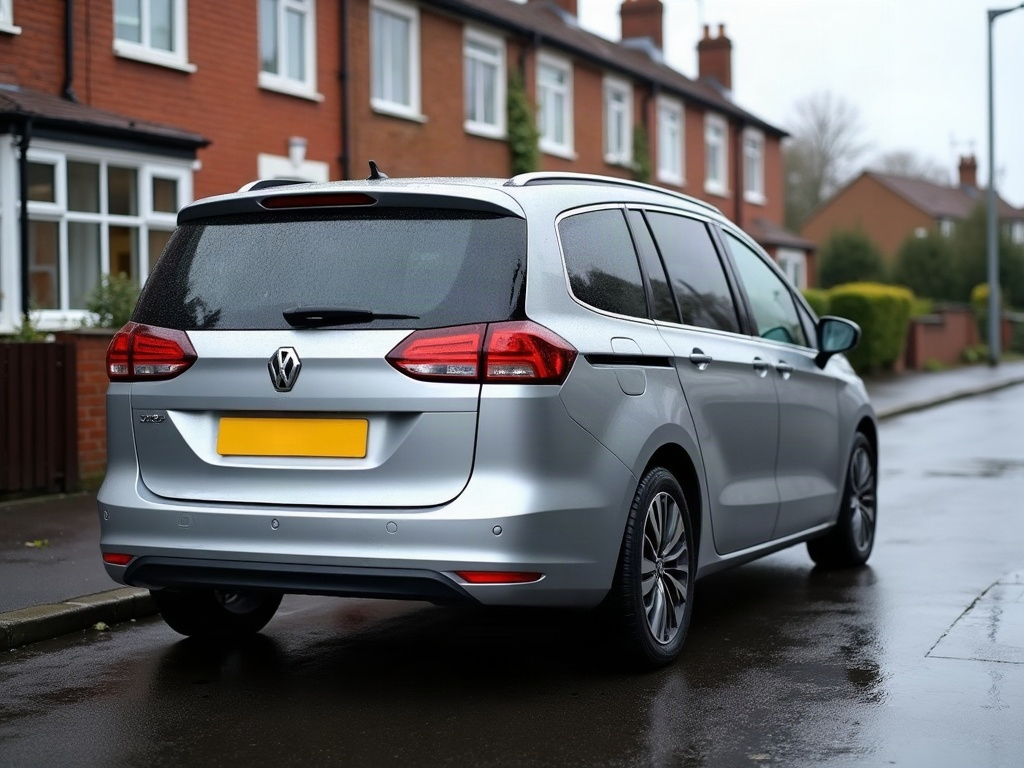
Community edits are published by ModDrip members from the in-browser video editor. Every clip starts from an AI build render — no credits are spent on editing.