AI showcase
This is this AI car video, previewed on a real car with ModDrip's AI editor.
The result keeps the car's own shape and proportions and layers the new look on top, so it reads as a believable build rather than a filter.
A short cinematic clip makes the look shareable — it's built to stop the scroll on a feed, not sit in a gallery.
Whether it's a subtle refresh or a full transformation, the preview treats both the same way — show it first, commit later.
Bring your own car to it: one clear photo is enough for the editor to show you a direction like this, free to start.
Clip details
- Made with
- ModDrip AI Video
- Created
- Oct 7, 2026
- Community
- 0 likes · 16 views
How long does a video take, and what does it cost?
A clip renders in about a minute. Image previews are free to try; video generation uses credits, shown before you confirm — no surprise charges.
Can I download and share the video?
Yes. Finished clips are yours to download and share; this page also has share links so anyone can view it.
Can I do this on my own car?
Yes. Upload a photo of your car and apply the same kind of direction — this AI car video. The first preview is free and needs no account.
How was this video made?
From one photo. ModDrip edits the still, then brings it to life as a short cinematic clip — there's no camera crew and no real car on a set.
Will it keep my car looking like my car?
Yes — the edit works from your own photo and preserves the body shape, angle and lighting. Only the styling changes, so the result still reads as your car.
Videos
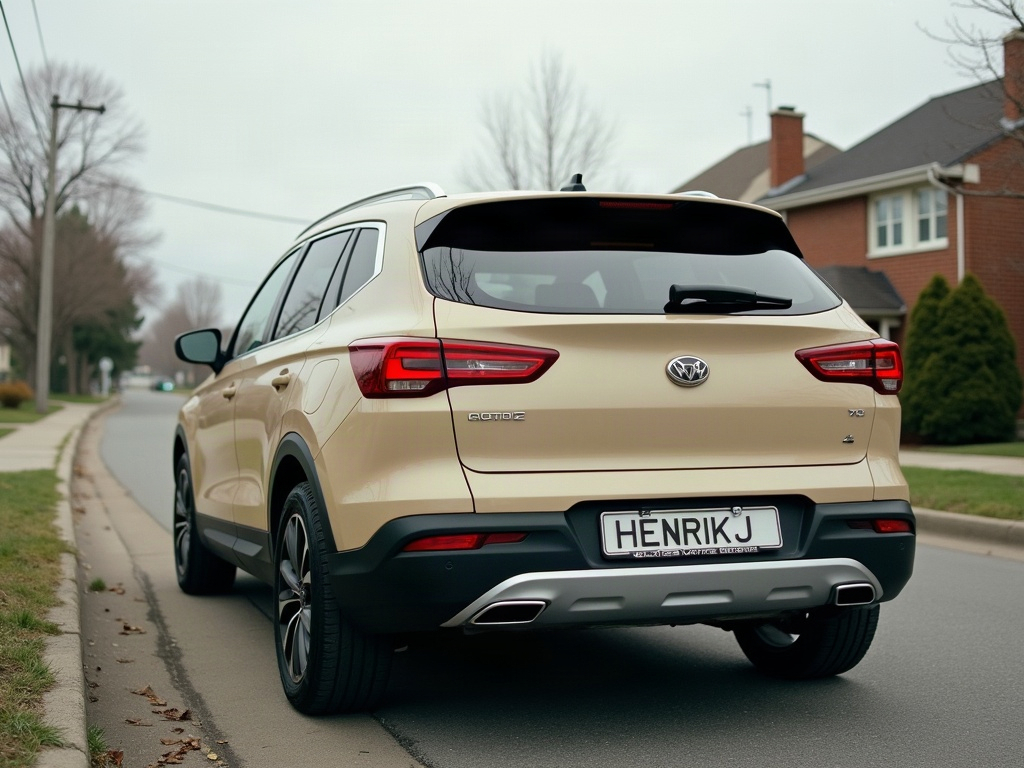

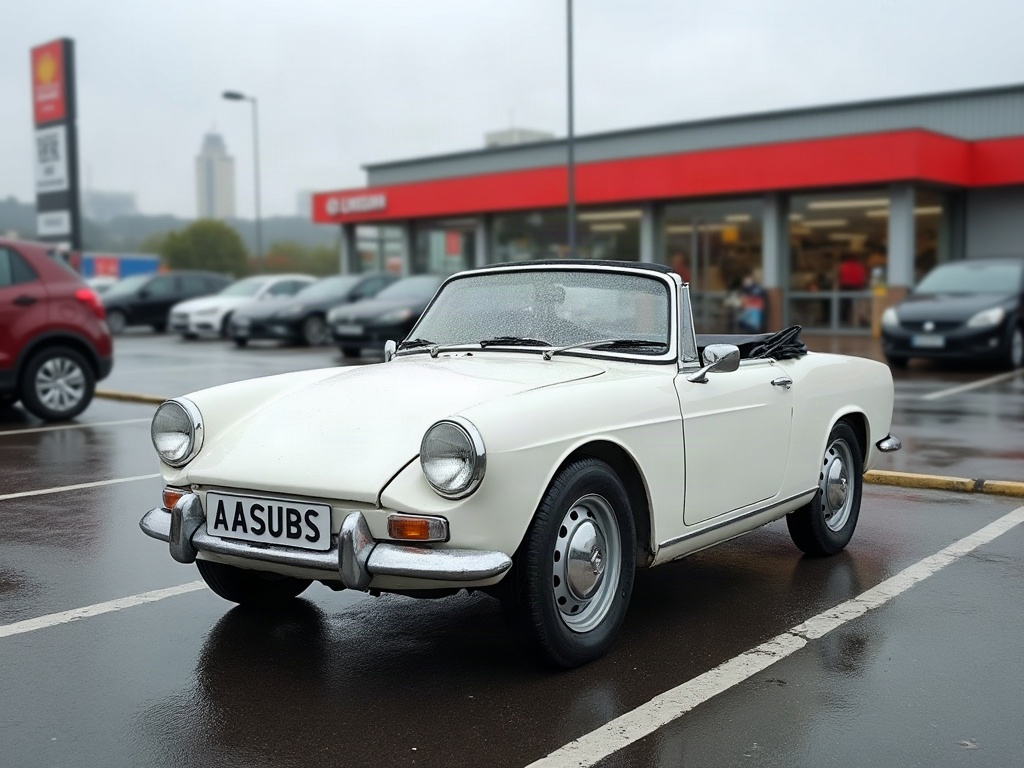
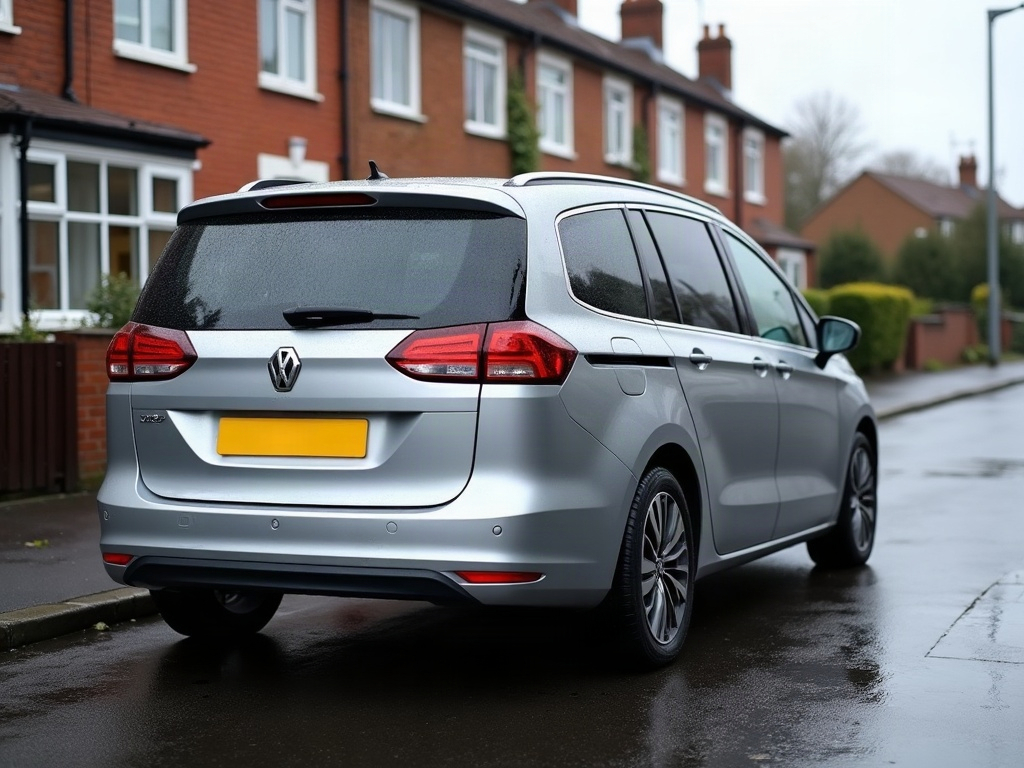
Community edits are published by ModDrip members from the in-browser video editor. Every clip starts from an AI build render — no credits are spent on editing.