AI showcase
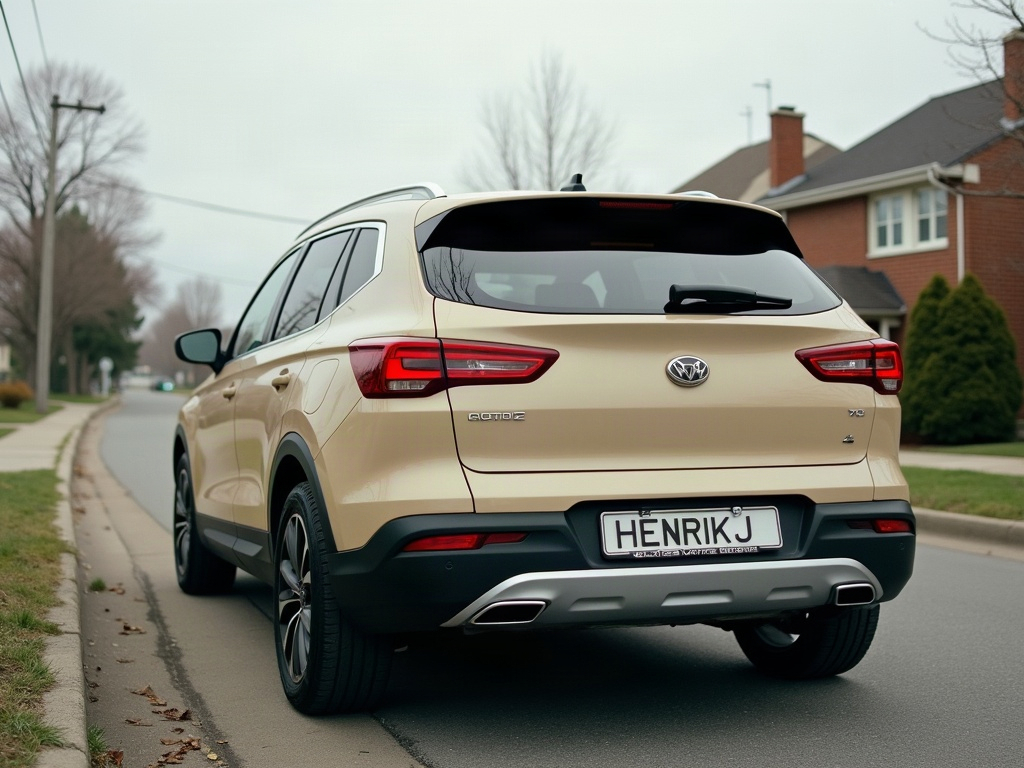
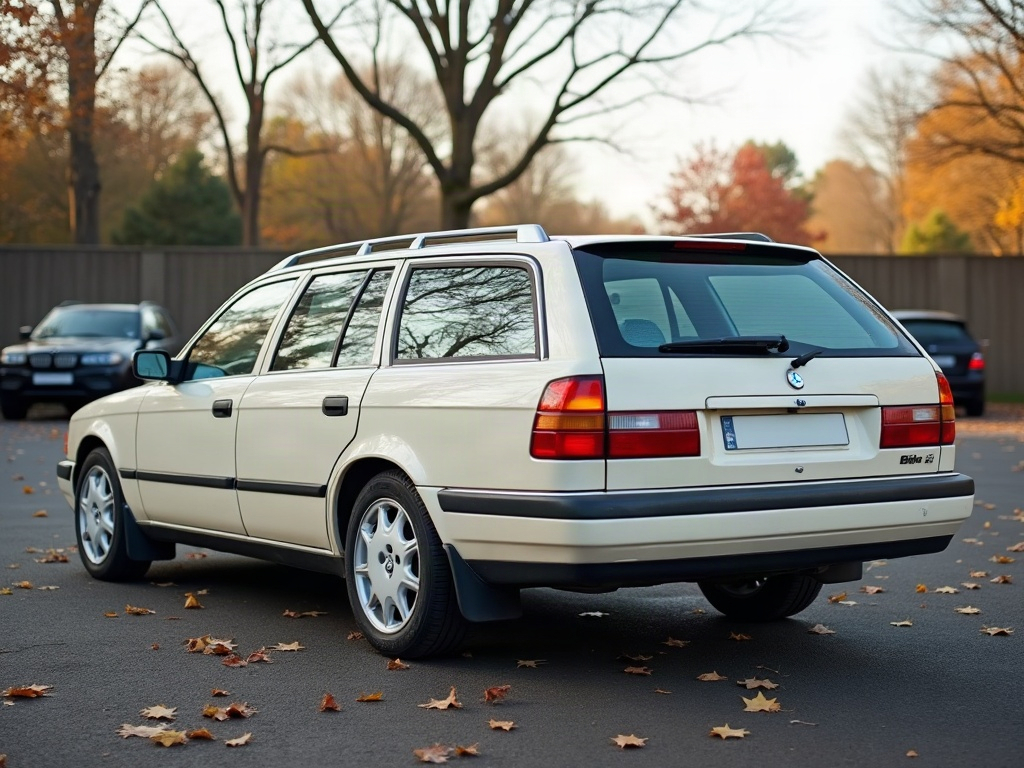
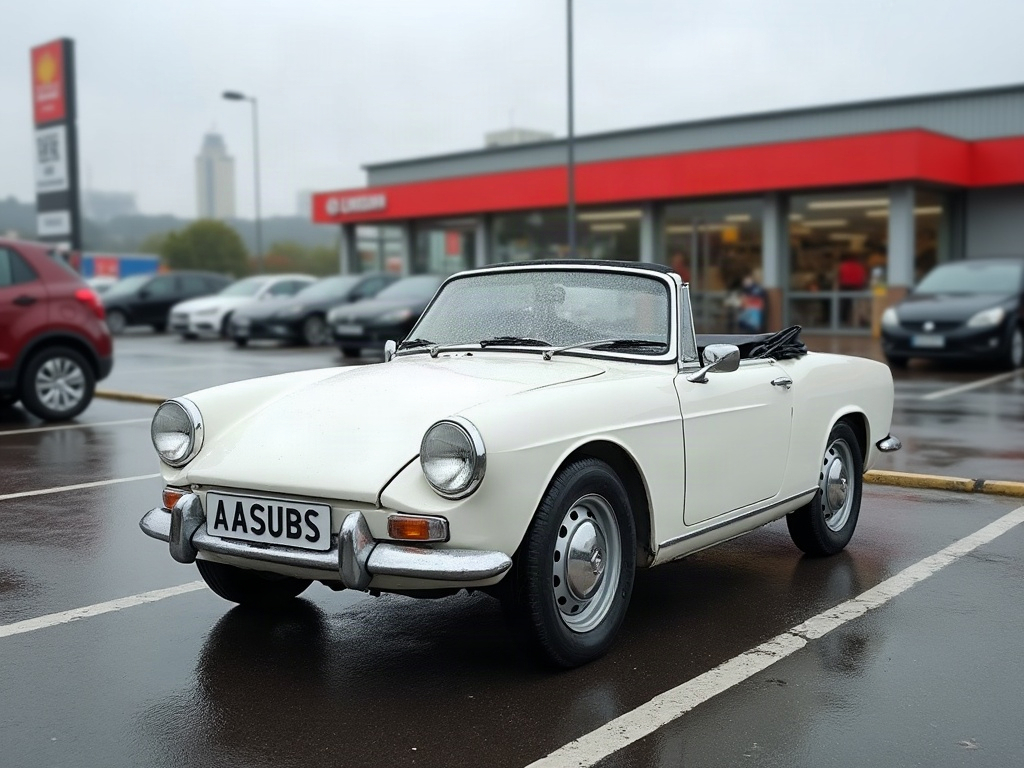
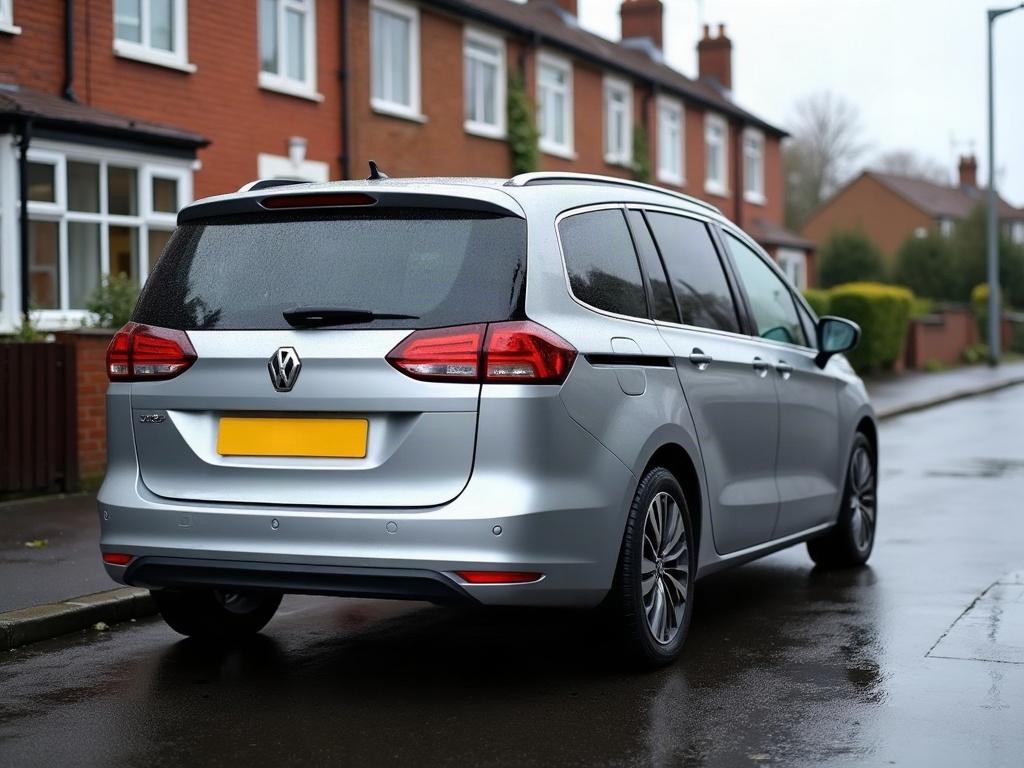
A preview of this AI car video, imagined on a real car so the idea is something you can see, not just describe.
It's the kind of look that's expensive to commit to in the real world, which is exactly why seeing it first — free — matters.
A short cinematic clip makes the look shareable — it's built to stop the scroll on a feed, not sit in a gallery.
The goal isn't a flawless render; it's a fast, honest answer to "what would this actually look like on the car?"
Try it on your own build — one photo is all it takes to see a look like this on your car.
Clip details
- Made with
- ModDrip AI Video
- Created
- Oct 7, 2026
- Community
- 0 likes · 13 views
Do I need to install anything?
Nothing to install. It's a web editor, so it works the same on a phone or a laptop straight from the browser.
What kind of cars work best?
Almost any car in a reasonably clear photo works — daily drivers, classics, trucks, exotics. A clean side or three-quarter shot gives the AI the most to work with.
Will it keep my car looking like my car?
It does. Because everything is generated on top of your original photo, the shape, the angle and the light stay put — only the styling is reimagined.
Can I do this on my own car?
Absolutely — that's the whole point. Point it at a photo of your own car, choose a direction like this AI car video, and the first result is free with no sign-up.
How long does a video take, and what does it cost?
A clip renders in about a minute. Image previews are free to try; video generation uses credits, shown before you confirm — no surprise charges.
Videos
Community edits are published by ModDrip members from the in-browser video editor. Every clip starts from an AI build render — no credits are spent on editing.