AI showcase
Here's this AI car video, rendered by ModDrip AI so you can see the look before touching the car.
It's the kind of look that's expensive to commit to in the real world, which is exactly why seeing it first — free — matters.
The camera move does the work a walk-around would in person — you get a feel for the whole car, not just one frozen angle.
ModDrip exists for exactly this — car people testing a look before spending real money, and sharing the ones that land.
The fastest way to know if a look suits your car is to see it on your car — upload a shot and the first preview costs nothing.
Clip details
- Made with
- ModDrip AI Video
- Created
- Oct 1, 2026
- Community
- 0 likes · 46 views
How was this video made?
From one photo. ModDrip edits the still, then brings it to life as a short cinematic clip — there's no camera crew and no real car on a set.
Do I need to install anything?
Nothing to install. It's a web editor, so it works the same on a phone or a laptop straight from the browser.
What kind of cars work best?
Almost any car in a reasonably clear photo works — daily drivers, classics, trucks, exotics. A clean side or three-quarter shot gives the AI the most to work with.
Will it keep my car looking like my car?
Yes — the edit works from your own photo and preserves the body shape, angle and lighting. Only the styling changes, so the result still reads as your car.
Can I do this on my own car?
Absolutely — that's the whole point. Point it at a photo of your own car, choose a direction like this AI car video, and the first result is free with no sign-up.
Videos
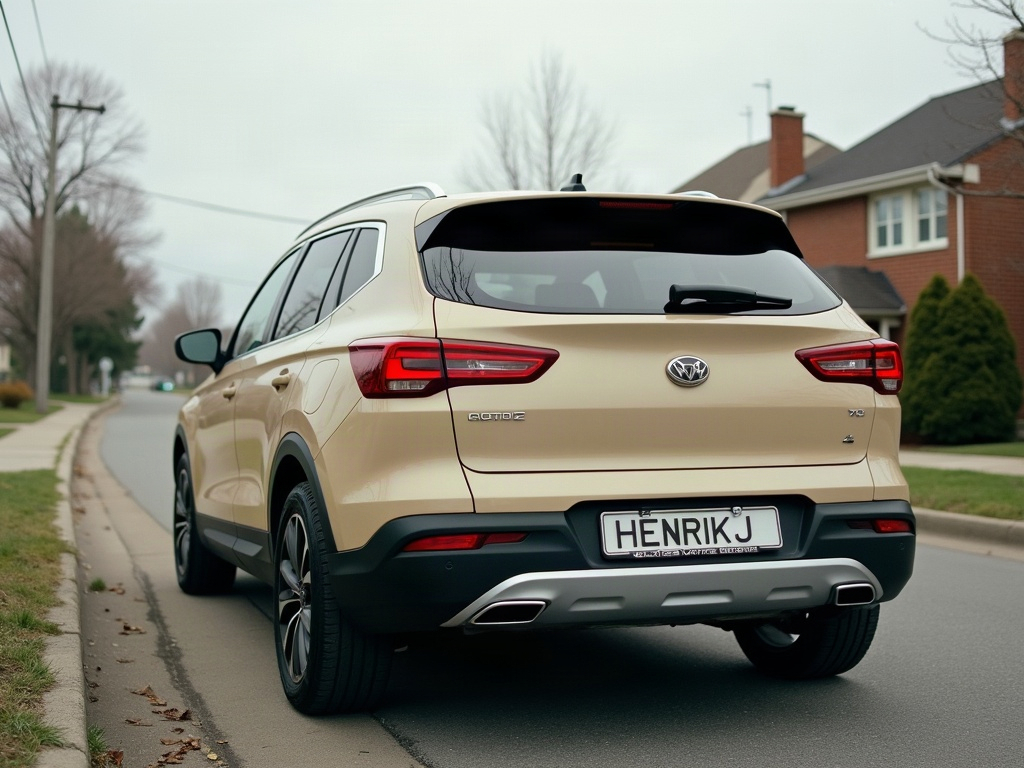

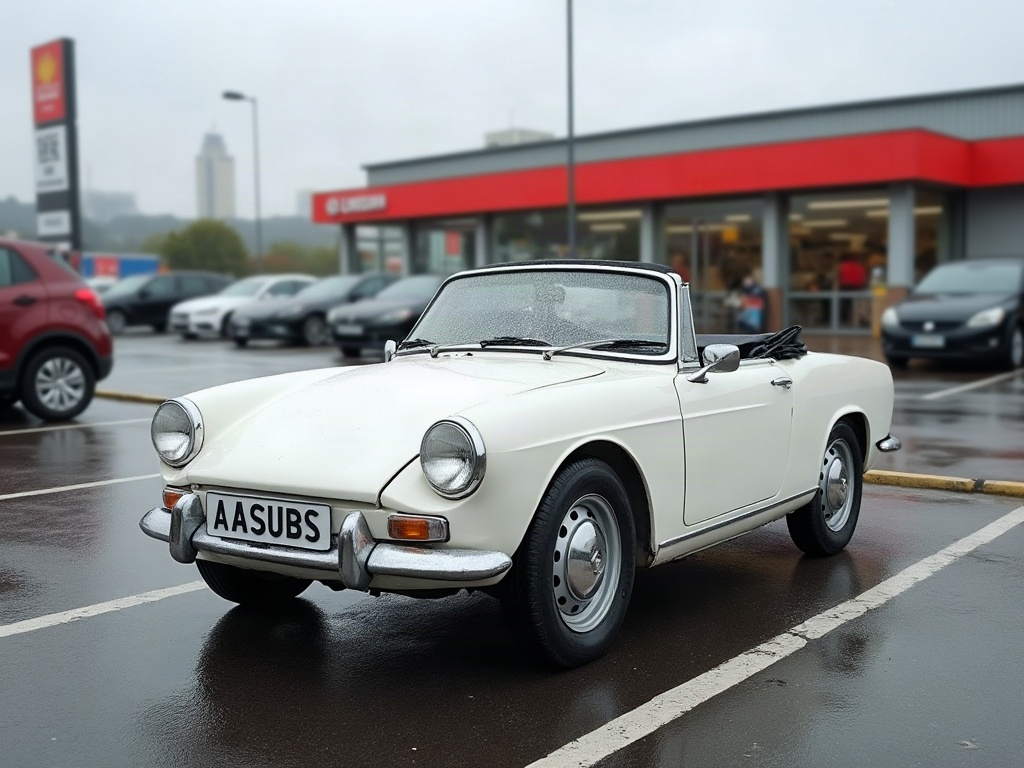
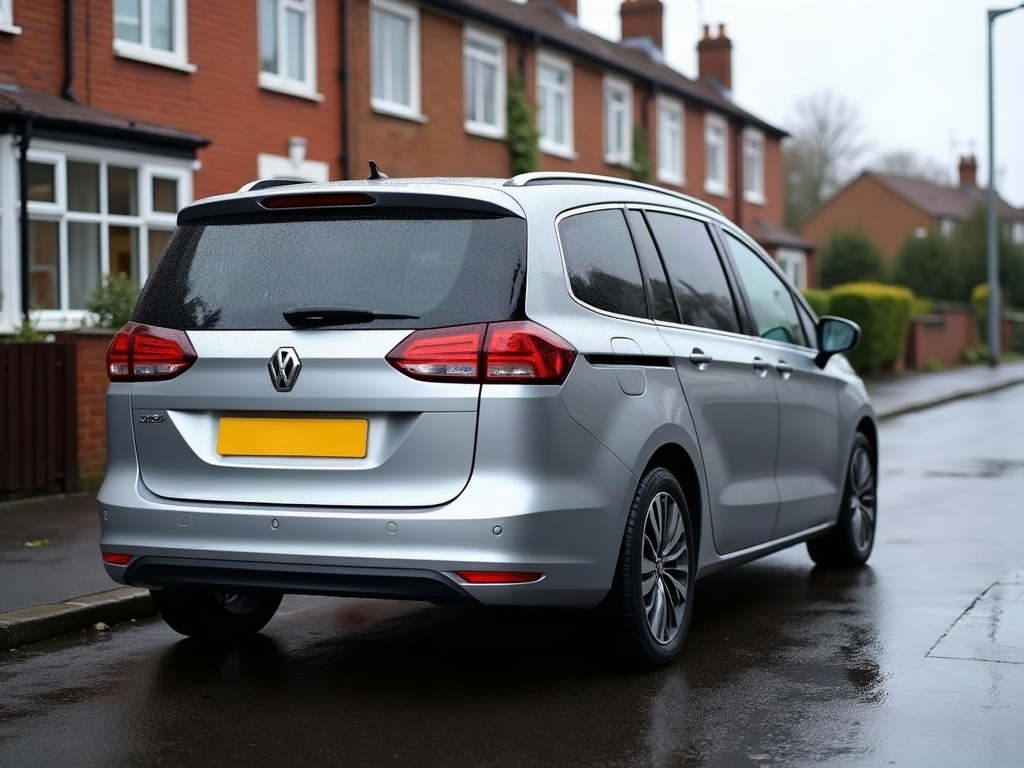
Community edits are published by ModDrip members from the in-browser video editor. Every clip starts from an AI build render — no credits are spent on editing.