AI showcase
This AI car video, built entirely in the browser — no shop, no paint booth, just one photo and ModDrip AI.
Look closely and the light still falls the way it did in the original shot; only the finish, stance and details have moved, which keeps the edit honest.
The clip is generated from the same image, so what you see in the photo is what moves in the video.
There's no catch to the first look: you upload, you generate, you decide — the styling is the only thing the AI invents.
You can do the same on your car in seconds: upload a shot and let the editor preview it, free.
Clip details
- Made with
- ModDrip AI Video
- Created
- Sep 30, 2026
- Community
- 0 likes · 36 views
How was this video made?
It was generated by ModDrip AI from a single car image — the still is edited first, then animated into a short cinematic clip. No filming, no rig.
Can I download and share the video?
Yes — the finished clip is yours to download, post or send on, and this page has share links built in.
What kind of cars work best?
Almost any car in a reasonably clear photo works — daily drivers, classics, trucks, exotics. A clean side or three-quarter shot gives the AI the most to work with.
How long does a video take, and what does it cost?
A clip renders in about a minute. Image previews are free to try; video generation uses credits, shown before you confirm — no surprise charges.
Can I do this on my own car?
Absolutely — that's the whole point. Point it at a photo of your own car, choose a direction like this AI car video, and the first result is free with no sign-up.
Videos
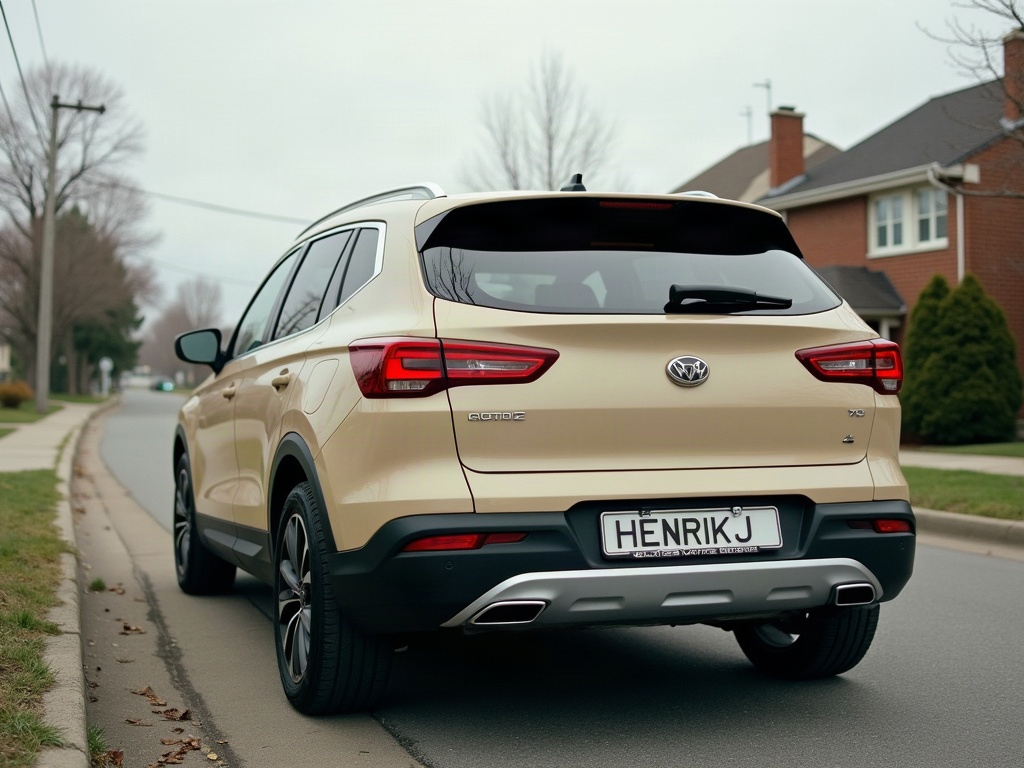
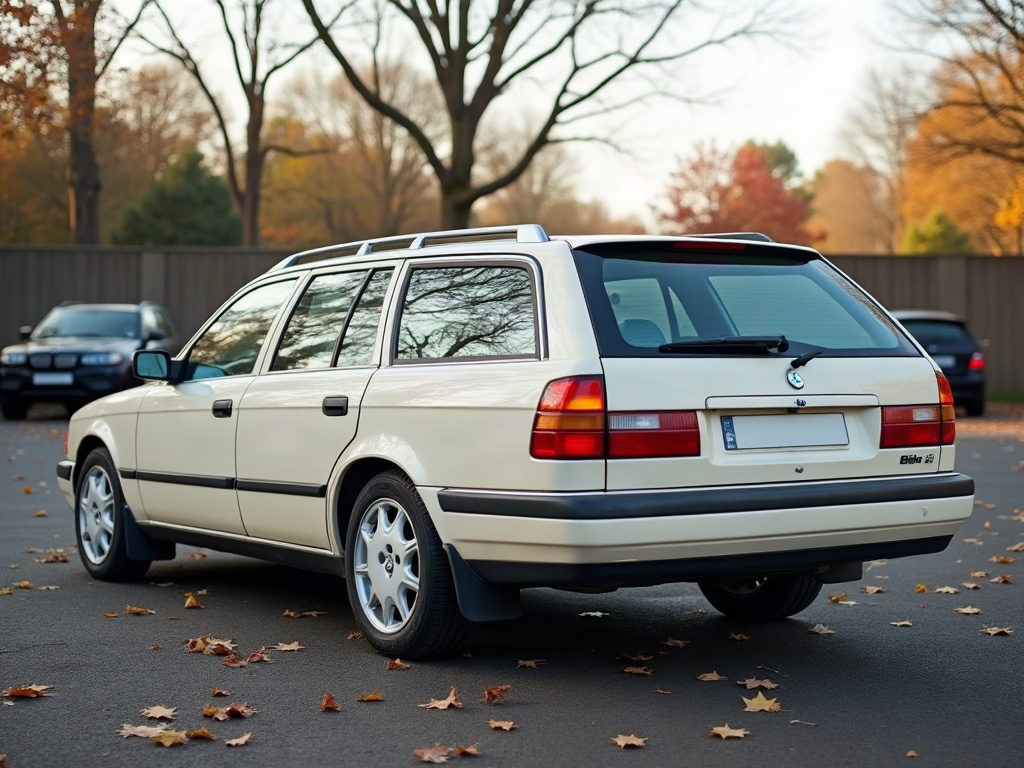
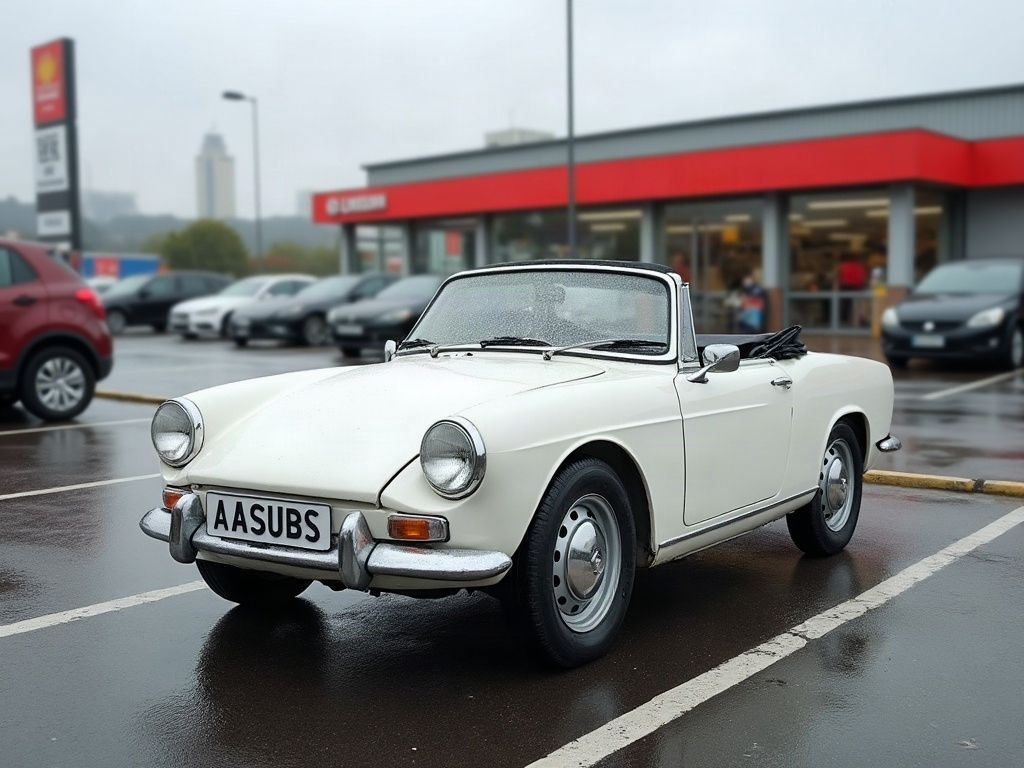
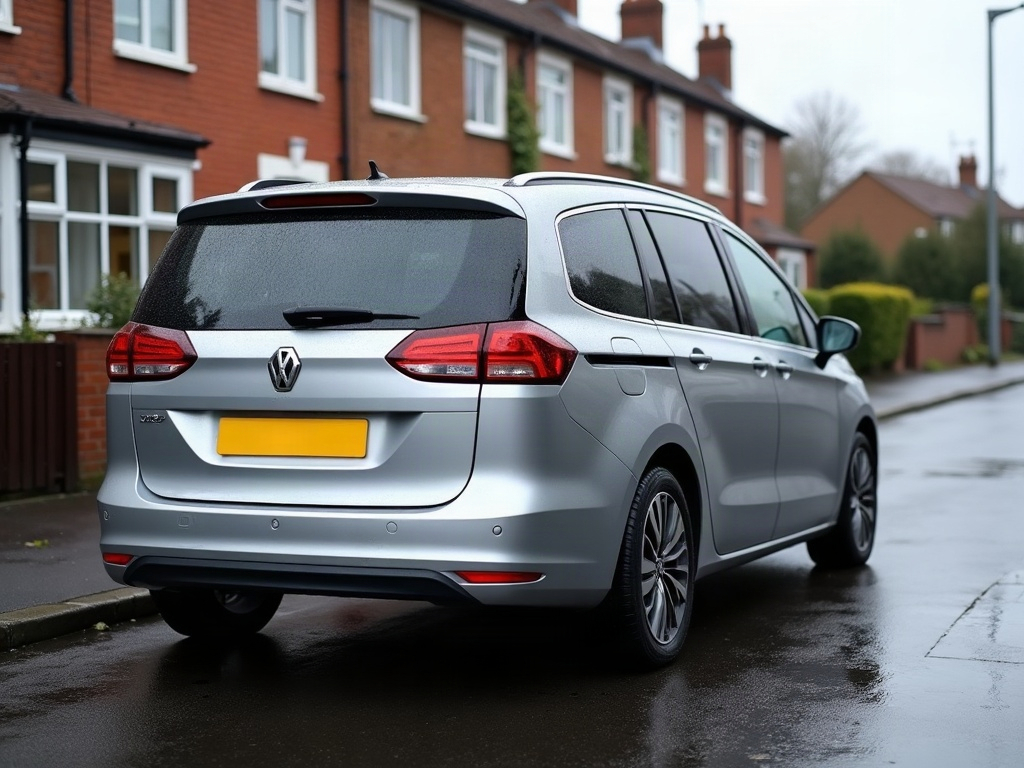
Community edits are published by ModDrip members from the in-browser video editor. Every clip starts from an AI build render — no credits are spent on editing.