AI showcase
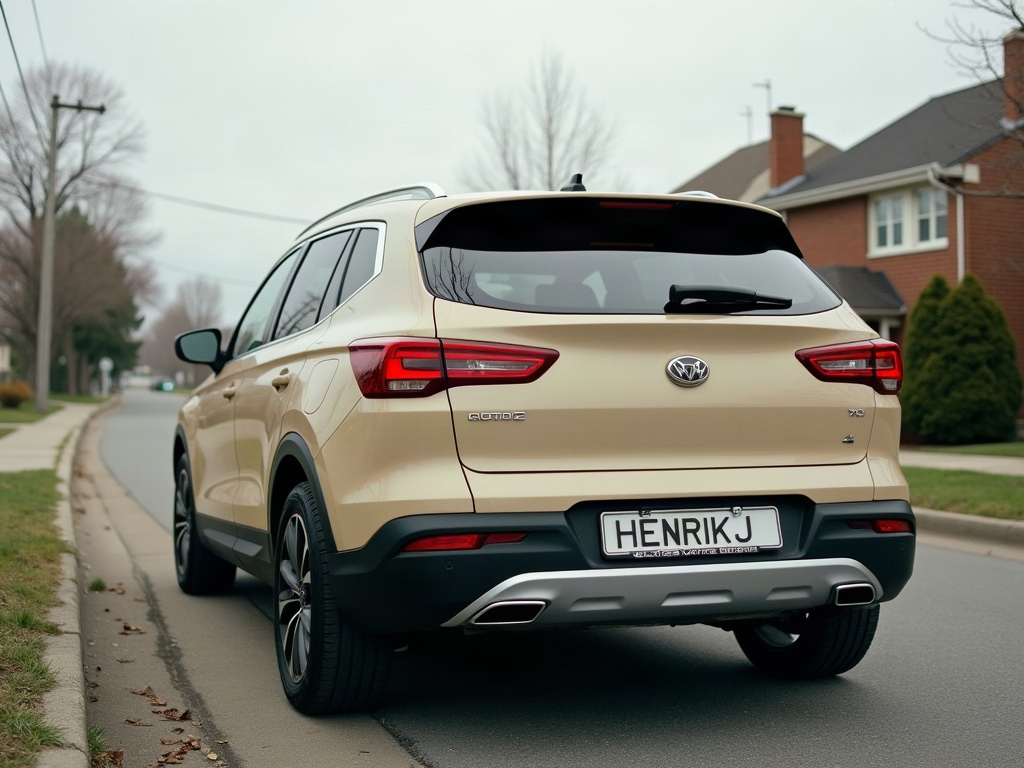
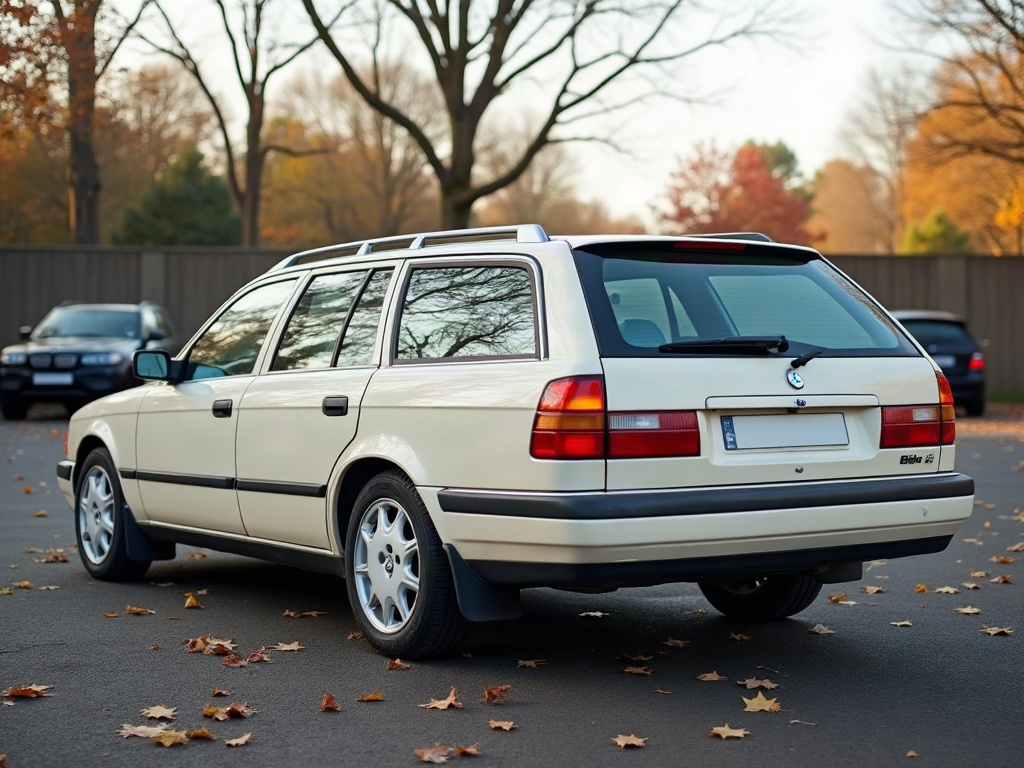
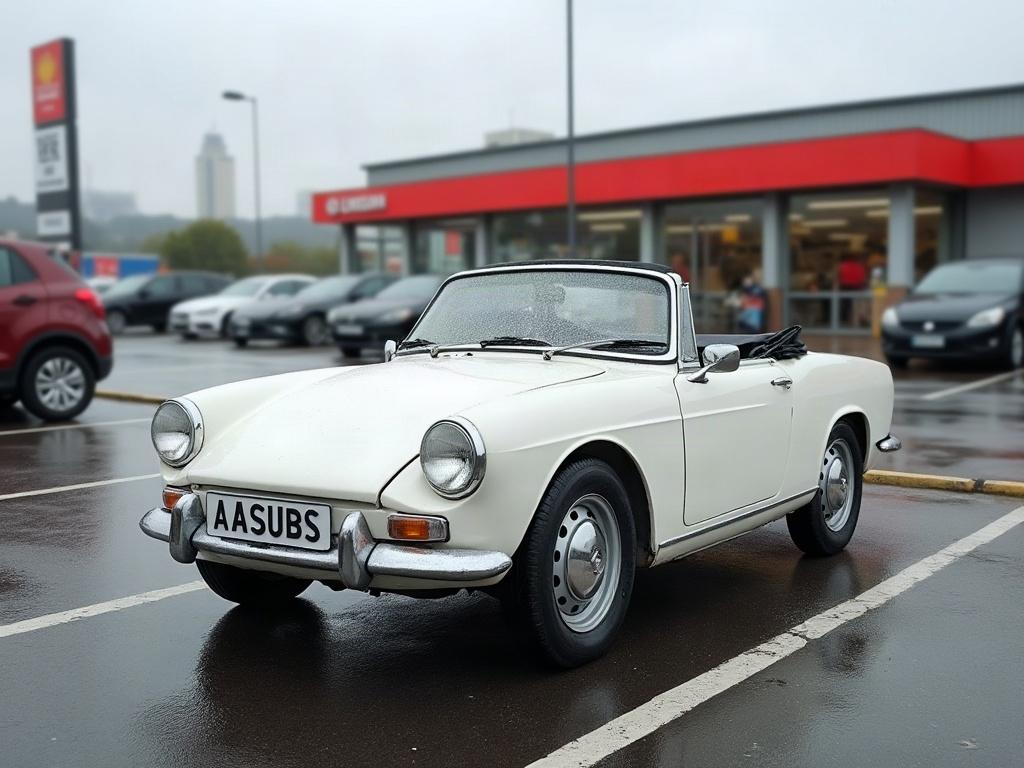
This is this AI car video, previewed on a real car with ModDrip's AI editor.
Nothing about the underlying car is swapped out — the AI paints the new direction onto the body that's already there, so it sits naturally instead of looking pasted on.
Static images undersell a build; a few seconds of motion is what makes a stranger stop, look, and ask what car it is.
There's no catch to the first look: you upload, you generate, you decide — the styling is the only thing the AI invents.
The fastest way to know if a look suits your car is to see it on your car — upload a shot and the first preview costs nothing.
Clip details
- Made with
- ModDrip AI Video
- Created
- Oct 5, 2026
- Community
- 0 likes · 37 views
Will it keep my car looking like my car?
Yes — the edit works from your own photo and preserves the body shape, angle and lighting. Only the styling changes, so the result still reads as your car.
Do I need to install anything?
No app and no download — ModDrip runs in your browser. Open the editor, upload a photo, and you're generating in seconds.
Can I do this on my own car?
Yes. Upload a photo of your car and apply the same kind of direction — this AI car video. The first preview is free and needs no account.
Can I download and share the video?
Yes — the finished clip is yours to download, post or send on, and this page has share links built in.
How long does a video take, and what does it cost?
A clip renders in about a minute. Image previews are free to try; video generation uses credits, shown before you confirm — no surprise charges.
Videos

Community edits are published by ModDrip members from the in-browser video editor. Every clip starts from an AI build render — no credits are spent on editing.