AI showcase
This is this AI car video, previewed on a real car with ModDrip's AI editor.
Every panel, reflection and shadow is regenerated to match the new finish, which is what makes an AI preview useful — you judge the whole car, not a swatch.
Static images undersell a build; a few seconds of motion is what makes a stranger stop, look, and ask what car it is.
There's no catch to the first look: you upload, you generate, you decide — the styling is the only thing the AI invents.
Bring your own car to it: one clear photo is enough for the editor to show you a direction like this, free to start.
Clip details
- Made with
- ModDrip AI Video
- Created
- Oct 3, 2026
- Community
- 0 likes · 37 views
How long does a video take, and what does it cost?
About a minute for a clip. Trying image previews is free; turning one into video spends credits, and the amount is shown before you confirm.
Can I download and share the video?
Yes — the finished clip is yours to download, post or send on, and this page has share links built in.
Do I need to install anything?
No app and no download — ModDrip runs in your browser. Open the editor, upload a photo, and you're generating in seconds.
Will it keep my car looking like my car?
It does. Because everything is generated on top of your original photo, the shape, the angle and the light stay put — only the styling is reimagined.
How was this video made?
It was generated by ModDrip AI from a single car image — the still is edited first, then animated into a short cinematic clip. No filming, no rig.
Videos
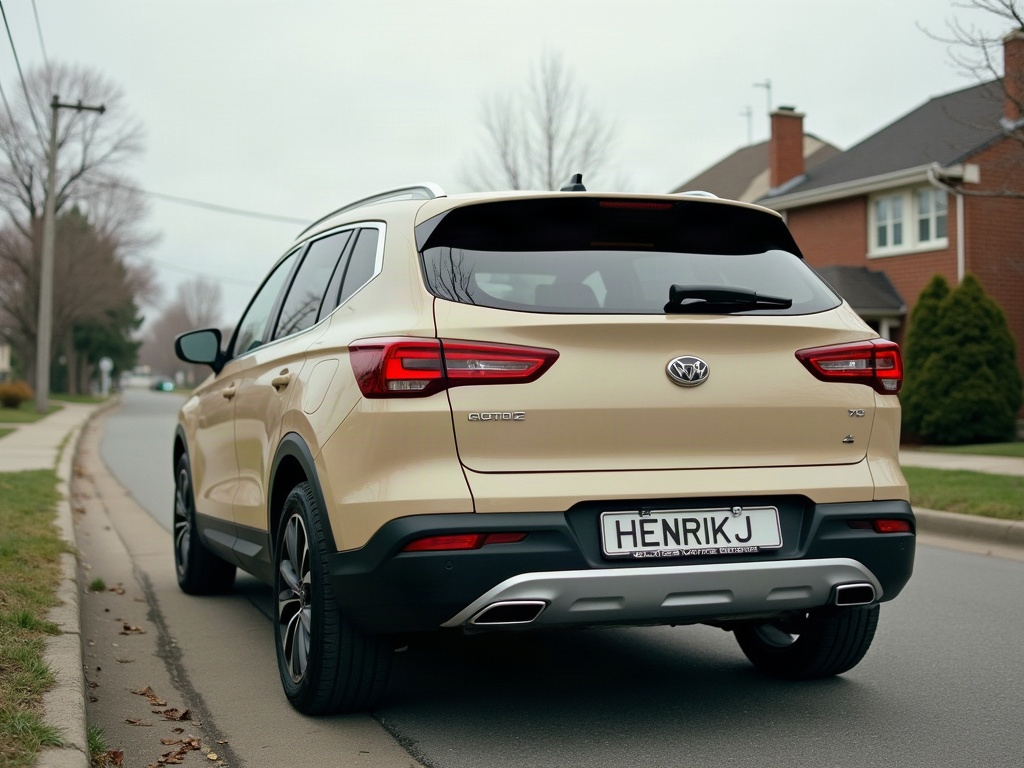
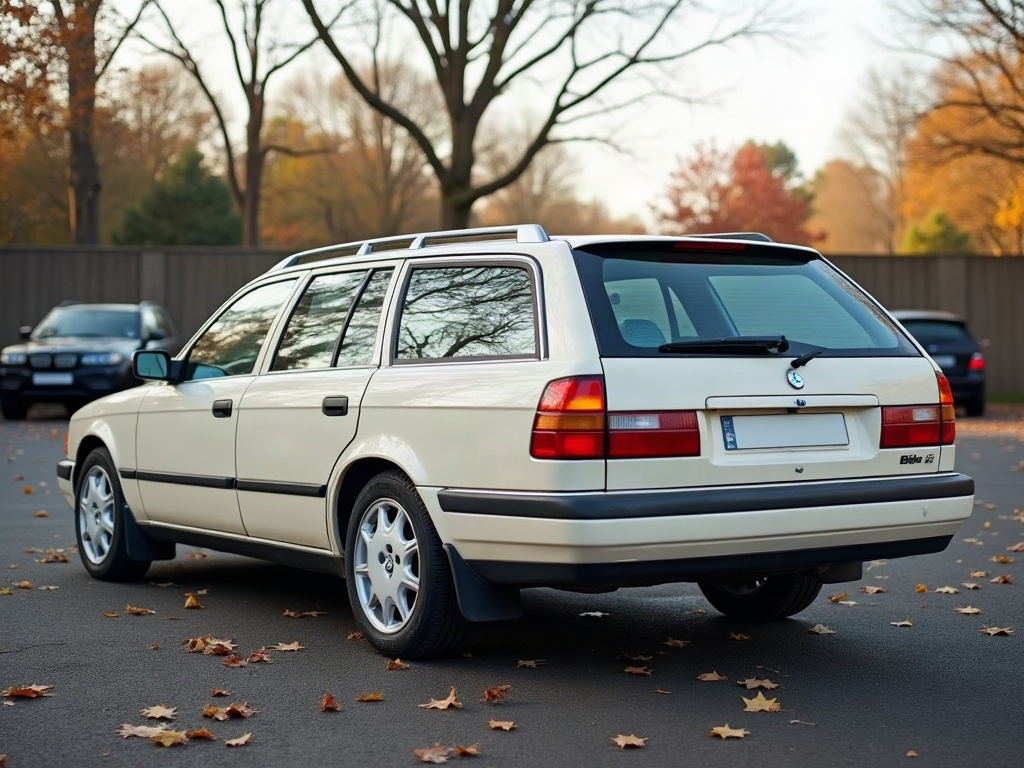
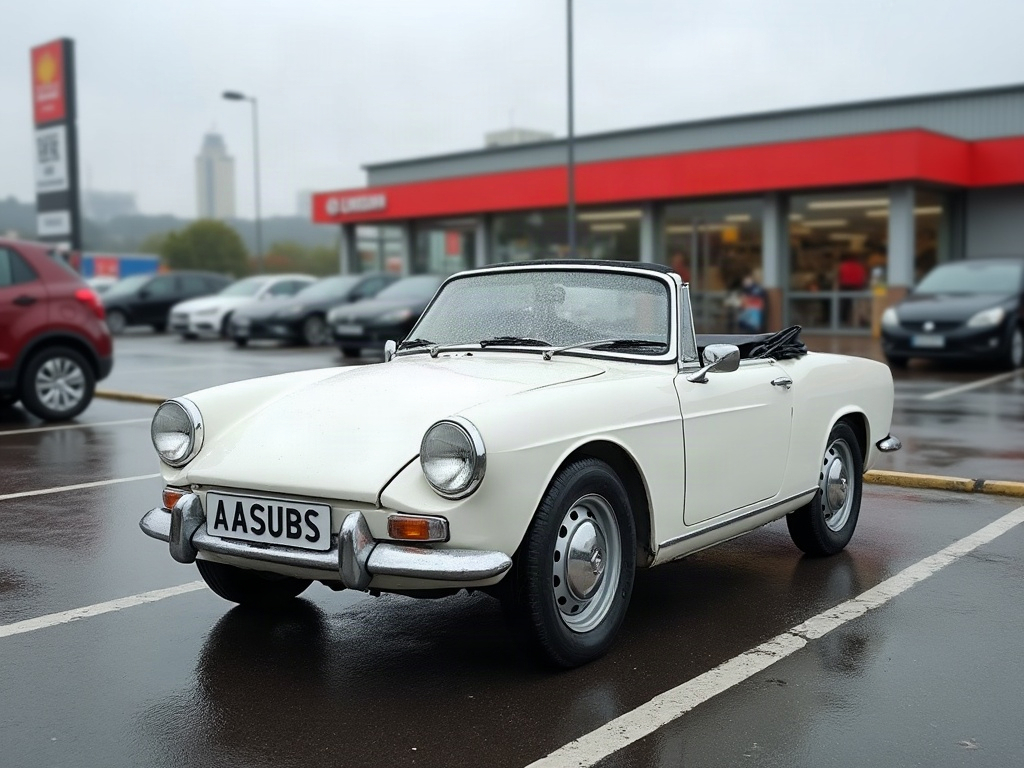
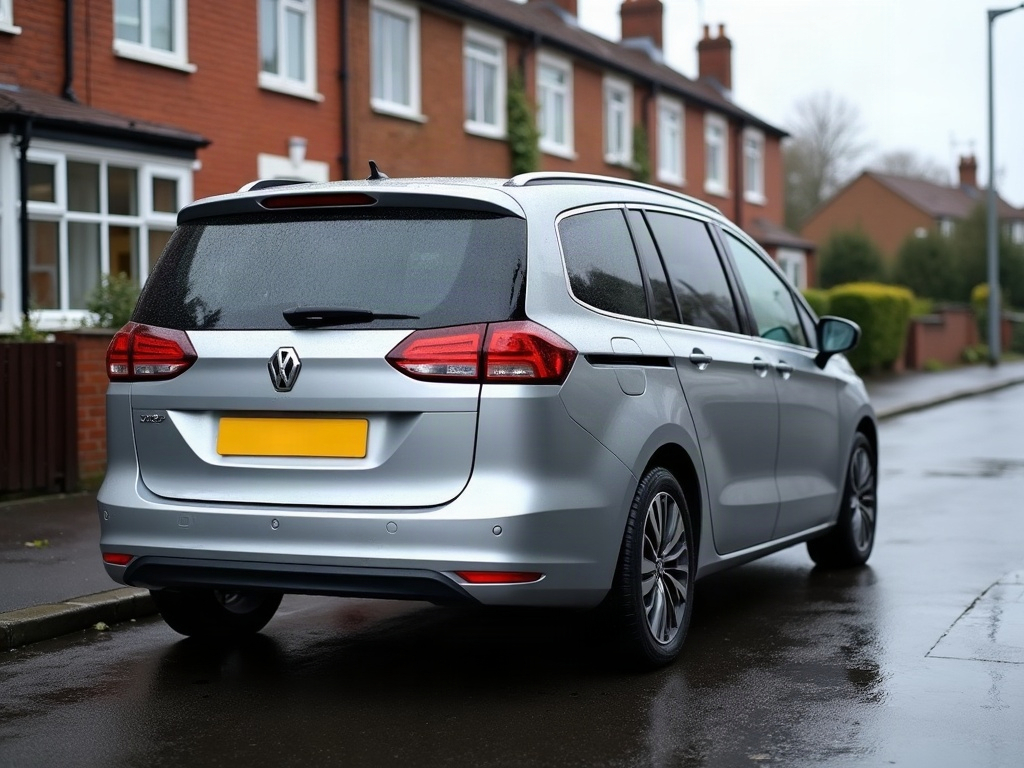
Community edits are published by ModDrip members from the in-browser video editor. Every clip starts from an AI build render — no credits are spent on editing.