AI showcase
This AI car video: a full visual makeover generated from one uploaded shot.
Look closely and the light still falls the way it did in the original shot; only the finish, stance and details have moved, which keeps the edit honest.
A short cinematic clip makes the look shareable — it's built to stop the scroll on a feed, not sit in a gallery.
ModDrip exists for exactly this — car people testing a look before spending real money, and sharing the ones that land.
You can do the same on your car in seconds: upload a shot and let the editor preview it, free.
Clip details
- Made with
- ModDrip AI Video
- Created
- Sep 29, 2026
- Community
- 0 likes · 25 views
How long does a video take, and what does it cost?
A clip renders in about a minute. Image previews are free to try; video generation uses credits, shown before you confirm — no surprise charges.
Can I download and share the video?
Yes. Finished clips are yours to download and share; this page also has share links so anyone can view it.
Do I need to install anything?
No app and no download — ModDrip runs in your browser. Open the editor, upload a photo, and you're generating in seconds.
Can I do this on my own car?
Absolutely — that's the whole point. Point it at a photo of your own car, choose a direction like this AI car video, and the first result is free with no sign-up.
How was this video made?
From one photo. ModDrip edits the still, then brings it to life as a short cinematic clip — there's no camera crew and no real car on a set.
Videos
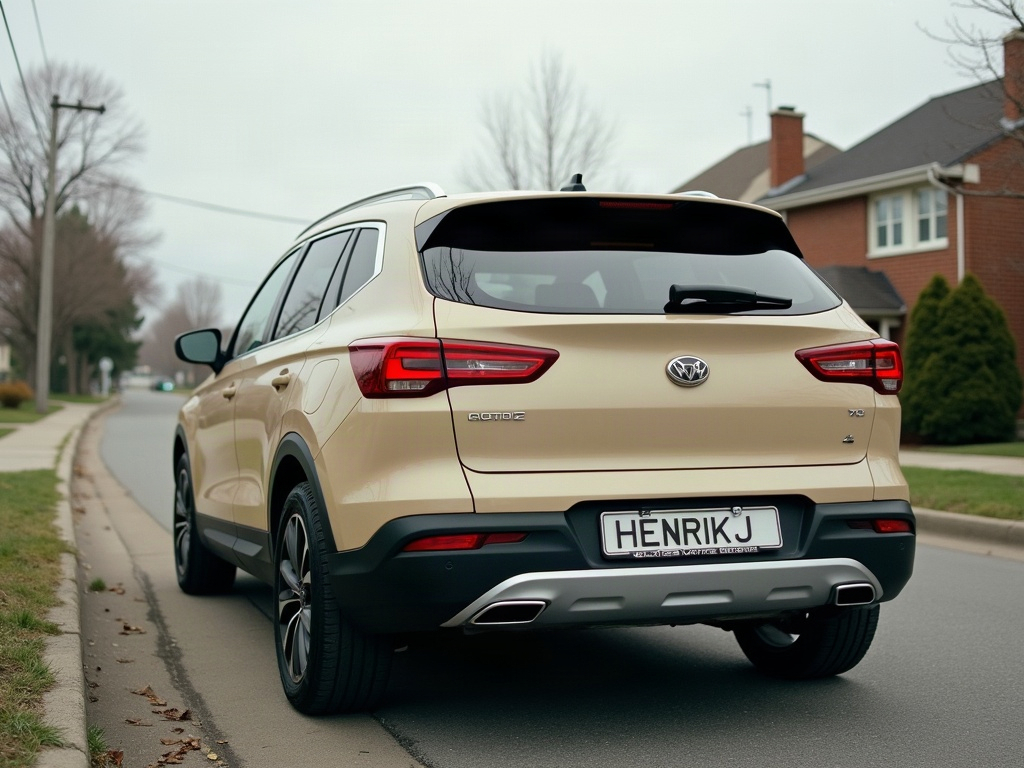

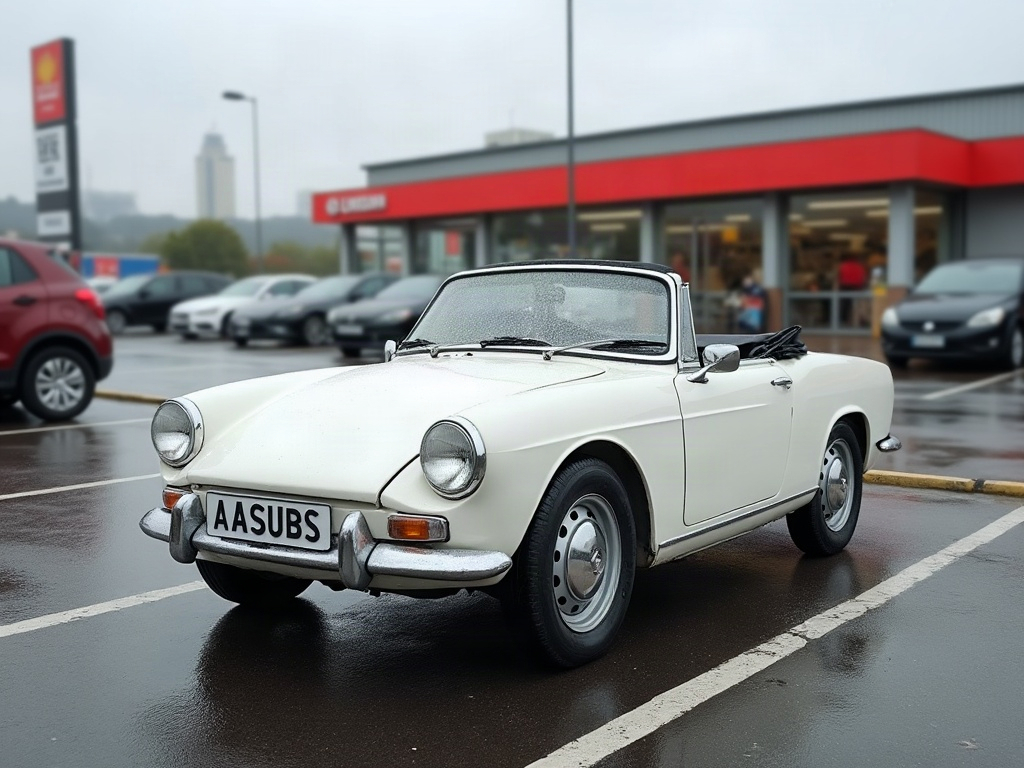
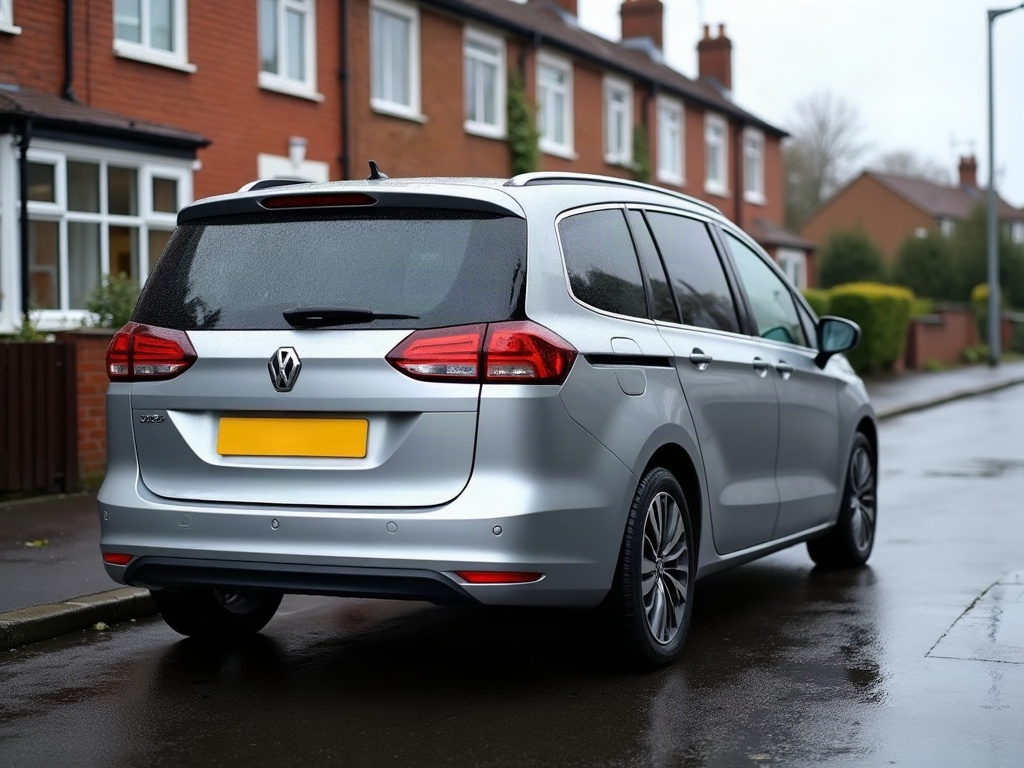
Community edits are published by ModDrip members from the in-browser video editor. Every clip starts from an AI build render — no credits are spent on editing.