ModDrip vs Lightroom
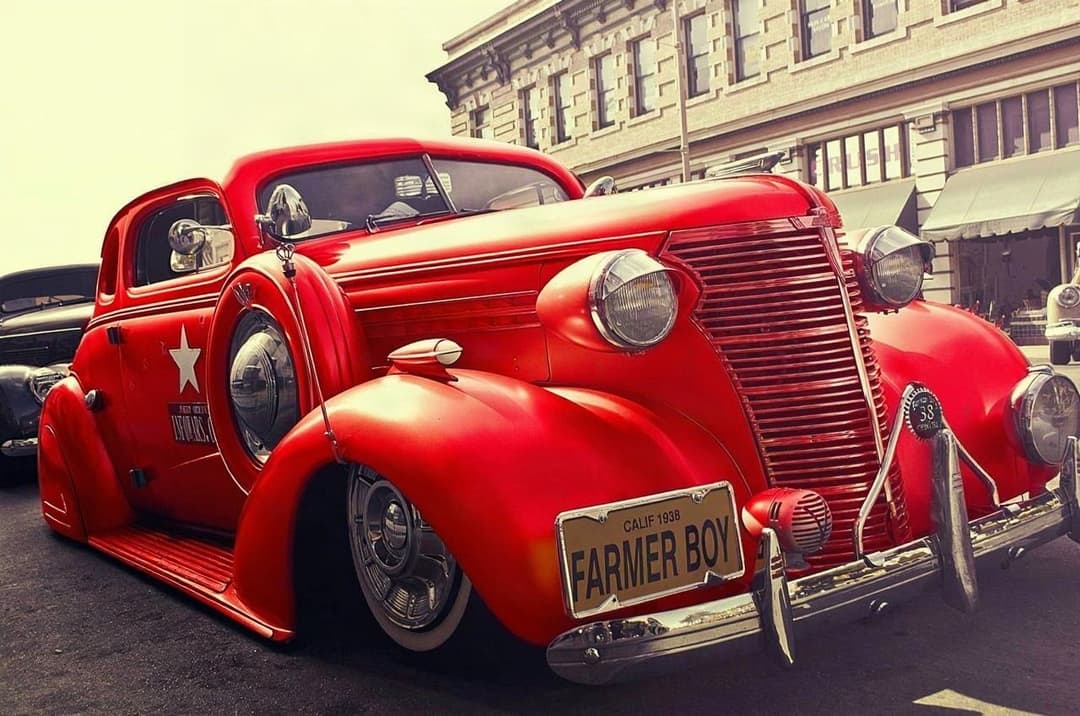
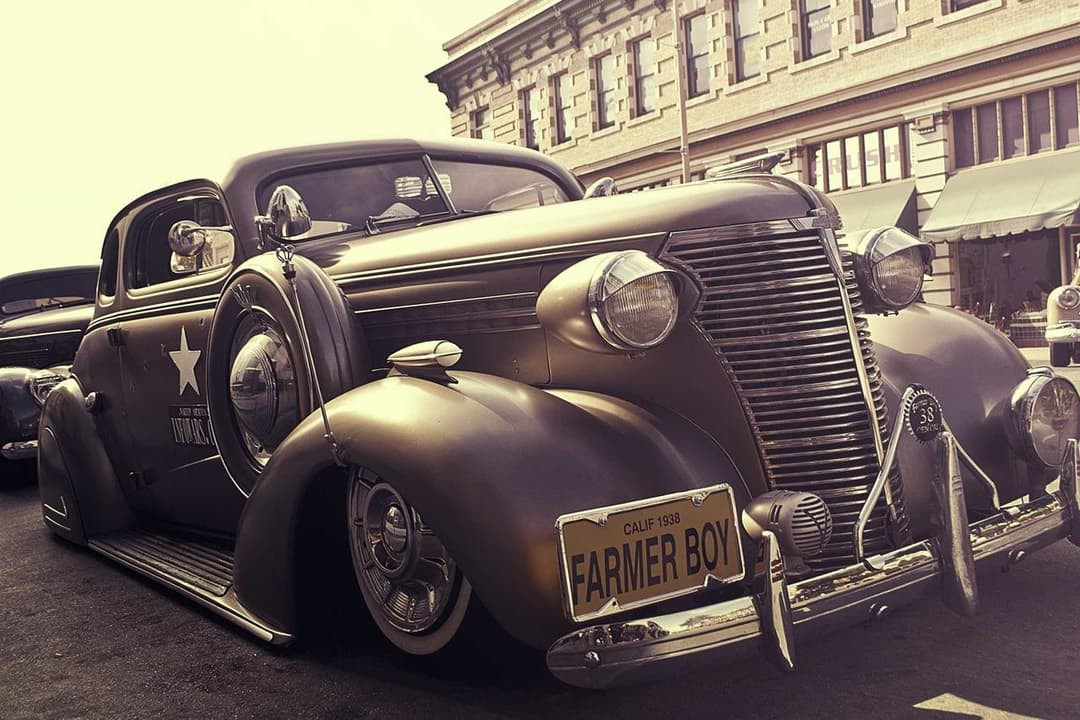
Color grading vs actual car modifications
Updated · August 2026
TL;DR
Lightroom is the gold standard for grading and correcting car photos — exposure, tone, HSL, presets — but it grades the car that is there. It cannot swap a color, fit new wheels or add a wrap. ModDrip changes the mod itself. They are complementary: mod in ModDrip, then grade the result in Lightroom.
Try ModDrip instead of LightroomAdobe Lightroom is where serious car photography gets its look. Exposure, white balance, tone curves, HSL sliders and film-style presets let you dial in mood and correct a shot beautifully. But Lightroom is a grading tool — its color controls shift the whole image’s tones, not the paint of a single body panel, and it has no concept of wheels, wraps or body kits.
ModDrip and Lightroom are not really rivals; they sit at different stages. ModDrip decides *what* the car looks like — the color, the wheels, the wrap — and Lightroom decides how the final photo is graded and delivered. Many creators use both: build the look in ModDrip, then finish it in Lightroom.
ModDrip vs Lightroom: feature by feature
| Feature | ModDrip | Lightroom |
|---|---|---|
| Change car paint color | ✓True panel recolor | Global HSL only, not per-panel |
| Swap wheels or add a wrap | ✓Yes | Not possible |
| Professional photo grading | ✕Not the focus | Best in class |
| Presets & batch editing | ✕Not offered | Powerful |
| RAW correction | ✕No | Yes, full RAW pipeline |
| Add mods, not just grade | ✓Yes | No |
| Price | ✓Free tier + low monthly | ~$9.99/mo+ |
Where Lightroom is strong
- +Best-in-class color grading and tone control
- +Full RAW correction pipeline
- +Presets and batch editing at scale
- +Non-destructive, professional workflow
Where Lightroom falls short
- −Cannot change a car’s actual paint color per-panel
- −No wheels, wraps or body-kit editing
- −Grades the car that is already there
- −Not a modification tool at all
When to choose Lightroom
Choose Lightroom for grading, RAW correction, batch presets and final delivery of car photos. Use it after ModDrip, not instead of it.
How to Restyle a car and deliver the shot: Lightroom way vs ModDrip
Mods + grade, no Photoshop detour
Lightroom
- 1Import the RAW into Lightroom
- 2Grade exposure, white balance and tone
- 3Realize you cannot change the actual color or wheels
- 4Send it to Photoshop for the mod, then back
ModDrip
- 1Build the color/wheels/wrap in ModDrip
- 2Export the modified photo
- 3Grade it in Lightroom to taste
Try ModDrip instead of Lightroom
Upload a photo and preview any car mod in seconds — no editing skills needed.
Try the free demoFrequently asked questions
Can Lightroom change a car’s color?+
Only globally via HSL, which shifts the whole image and cannot cleanly repaint one car. ModDrip performs a true per-car recolor with correct reflections.
Should I use ModDrip or Lightroom?+
Both — they are complementary. Build the modification in ModDrip, then grade and finish the photo in Lightroom.
Does ModDrip replace my grading workflow?+
No. ModDrip handles the modification; Lightroom still owns grading, RAW correction and delivery.
✓ Comparison facts were verified on the date shown above. Competitor features and pricing can change — we update these pages as they do.
Keep exploring
🎬 ModDrip AI Video
Turn your car photo into a cinematic video
Upload, mod, and animate — a 5-second clip of your build, ready for TikTok, Reels and Shorts. Made with ModDrip AI Video.