How to Make a Before/After Car Reel with AI (No Repainting)
ModDrip Team · 2026-08-09 · 2 min read
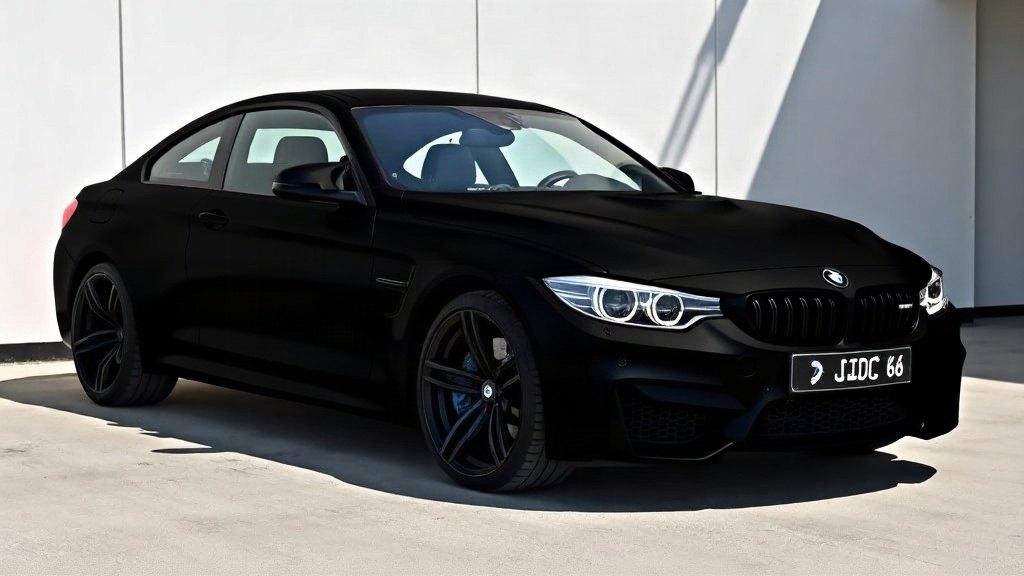
The single best-performing car post format is the before/after reveal — and you can make one from a single photo, without ever repainting the car. Here's the exact workflow.
Why before/after works
A reveal gives the viewer a reason to stop, watch and finish: they want to see the "after." The catch is that filming a real reveal means actually modifying the car first — expensive, permanent, and impossible to A/B test. AI removes that blocker: you generate the "after" and let the transition do the work.
The five-minute workflow
- Shoot the before. One clean photo of your actual car — daylight, the whole car in frame, phone quality is fine. This becomes your "before" and anchors the whole reel.
- Build the look in the studio. Upload the photo, then stack the mods you're considering — a new paint colour, wheels, a wrap, a drop in ride height. ModDrip keeps your car, your background and your lighting, and only changes what you picked.
- Export as a Reel. Open the animated export and choose Reels 9:16 for Stories/TikTok or Feed 4:5 for a portrait grid post. ModDrip renders a looping wipe between your before and after with labelled corners and a clean brand tag — sized correctly, no cropping.
- Drop it into your editor. Add a trending sound and a one-line caption ("Which colour — left or right?"). The transition is already built, so you're just scoring it.
- Post the question. Reveal reels do best when they ask something. Let the comments pick your real build.
Tips that lift watch-time
- Keep the before on screen for a beat before the wipe — anticipation is the whole point.
- Use one dramatic change (colour or stance) rather than five subtle ones for the first second.
- Post the 4:5 version to the feed and the 9:16 version to Stories from the same export.
Ready to make yours? Open the studio, build the look on your own car, and export the reel in a couple of taps.