Skip to content
ModDrip
All mods
ExplorePricing
Tools
Compare
Log inOpen editor
ModDrip

Preview wheels, wraps, body kits and stance on your own car with AI — before you buy a single part.

AI Tools

  • Paint jobs
  • Rim swap
  • Wraps
  • Body Kit
  • Window Tint
  • Spoilers & Wings
  • Neon Underglow
  • All mods

Free Tools

  • Tire Calculator
  • Tint Visualizer
  • VIN Decoder
  • Paint Code Lookup
  • Performance Calc

By brand

  • BMW
  • Audi
  • Mercedes-Benz
  • Toyota
  • Honda
  • Volkswagen

Product

  • Pricing
  • For business
  • Explore
  • 🎬 AI Video
  • Blog
  • About
  • Contact
  • How it works
  • FAQ
  • 🏆 Contests
  • 🎮 Games
  • 💡 Feedback
  • 📣 Changelog

Legal

  • Terms of Service
  • Privacy Policy
  • Refund Policy
  • Cookie Policy

Popular models

BMW M3Mercedes C63Audi RS5Toyota SupraHonda Civic Type RFord Mustang

© 2026 ModDrip · Made for car enthusiasts.

ModDrip is a trading name of ADMAVEN LTD, a company registered in England and Wales (Company No. 17382767). Registered office: Suite 11082, 5 Brayford Square, London, E1 0SG, United Kingdom.

ModDrip/Blog/Best Export Settings for Car TikToks & Reels (20…

Best Export Settings for Car TikToks & Reels (2026)

ModDrip Team · 2026-08-09 · 1 min read
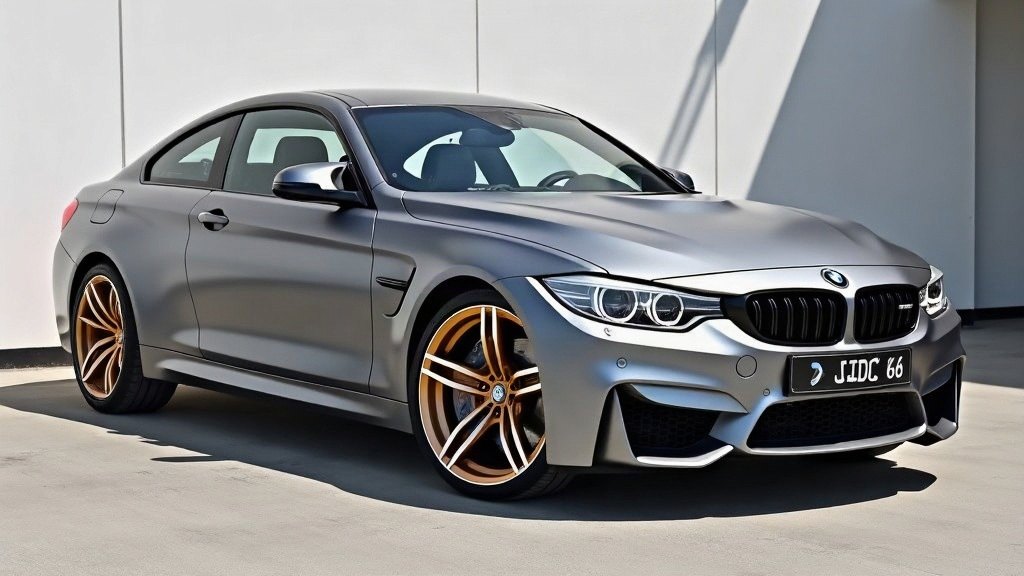
Best Export Settings for Car TikToks & Reels (2026)

In this article

  1. 1.Which aspect ratio to use
  2. 2.Format: video vs GIF
  3. 3.Length and the first second
  4. 4.Quick checklist

For short-form car content, export vertical 9:16 for Reels/TikTok/Shorts and 4:5 for your Instagram feed — full-resolution, no letterboxing. Getting the format right is half the battle; the algorithm punishes cropped, low-res and mis-sized clips.

Which aspect ratio to use

  • Reels 9:16 (1080×1920): the native full-screen format for TikTok, Instagram Reels and YouTube Shorts. Always export a dedicated 9:16 — never a cropped square.
  • Feed 4:5 (1080×1350): the tallest allowed in-feed post. It takes up more vertical space than a square, so it stops the scroll better on the grid.
  • Square 1:1: still useful for a tidy grid or a cross-post, but it's no longer the best-performing option on its own.

ModDrip's animated export offers all three from the same result, so you can post the 9:16 to Stories and the 4:5 to the feed without re-rendering.

Format: video vs GIF

Choose video (MP4) for anything you'll upload to a social platform — it's smaller, sharper and plays with sound support. GIF is handy for a forum post, a DM or a signature, but it's larger and lower-fidelity. ModDrip auto-selects MP4 where the browser supports it and falls back to WebM.

Length and the first second

  • Keep the loop short — 3–5 seconds reads as a clean reveal, not filler.
  • Hold the "before" for a beat, then wipe. The reveal is your hook, so don't bury it.
  • Add a trending sound and one line of text. Let the transition carry the visual.

Quick checklist

  1. Build the look on your own car in the studio.
  2. Export Reels 9:16 (and Feed 4:5 if you'll post the grid).
  3. Video/MP4 for social; GIF only for chat/forums.
  4. Score it with a trending sound and a single question caption.

Open the studio, stack your mods, and export a correctly-sized clip in seconds.

ModDrip Team

The ModDrip team builds AI tools for car enthusiasts and writes practical guides about visualizing modifications before you commit to them.

Keep reading

5 Reel Compositions That Make a Car Build Go Viral

5 Reel Compositions That Make a Car Build Go Viral

Midnight Builds Contest — Show Us Your Darkest Build

Midnight Builds Contest — Show Us Your Darkest Build

How to Make a Before/After Car Reel with AI (No Repainting)

How to Make a Before/After Car Reel with AI (No Repainting)