Make TikTok car edits that stop the scroll
One photo → a vertical car-mod reveal, ready for TikTok in minutes.
🚀 Try it in your browser — no downloadTikTok rewards a fast, satisfying reveal, and few things hit harder than a car transforming color, wheels or stance in a single swipe. ModDrip turns one photo of a real car into that reveal: pick a look, get a clean edit that keeps the exact car, and export it vertically — no editing suite, no download.
Because every frame is your actual car, the before/after feels real instead of a generic render. Stack a few looks into a carousel or a quick cut and you have a week of content from one upload.
Real ModDrip edits
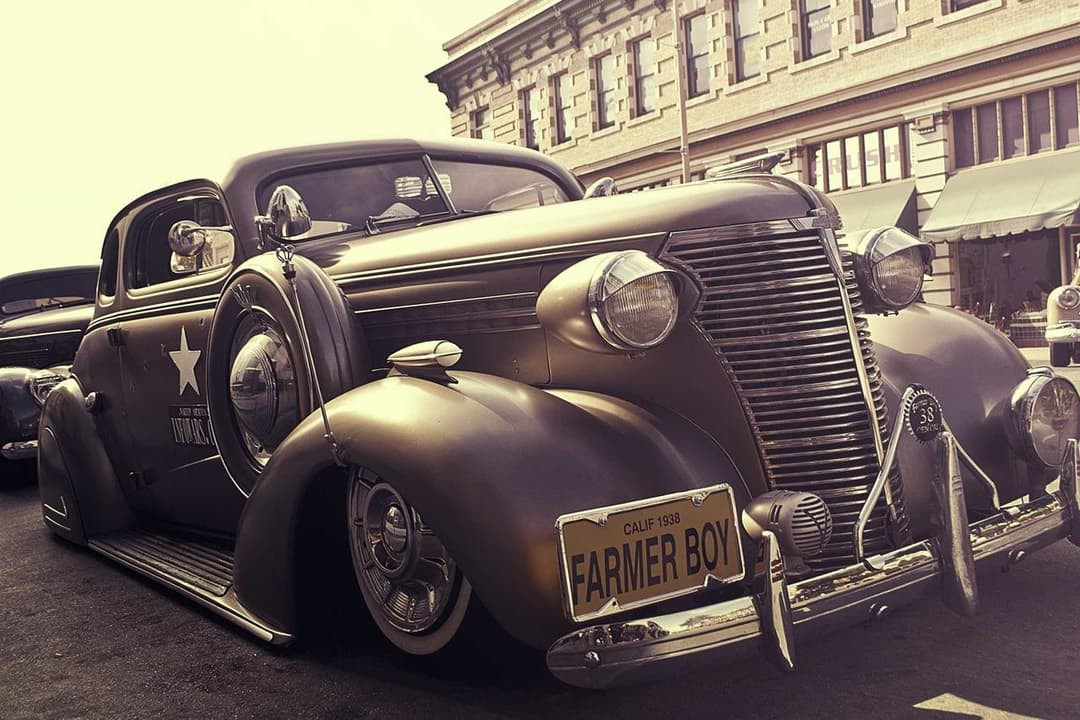
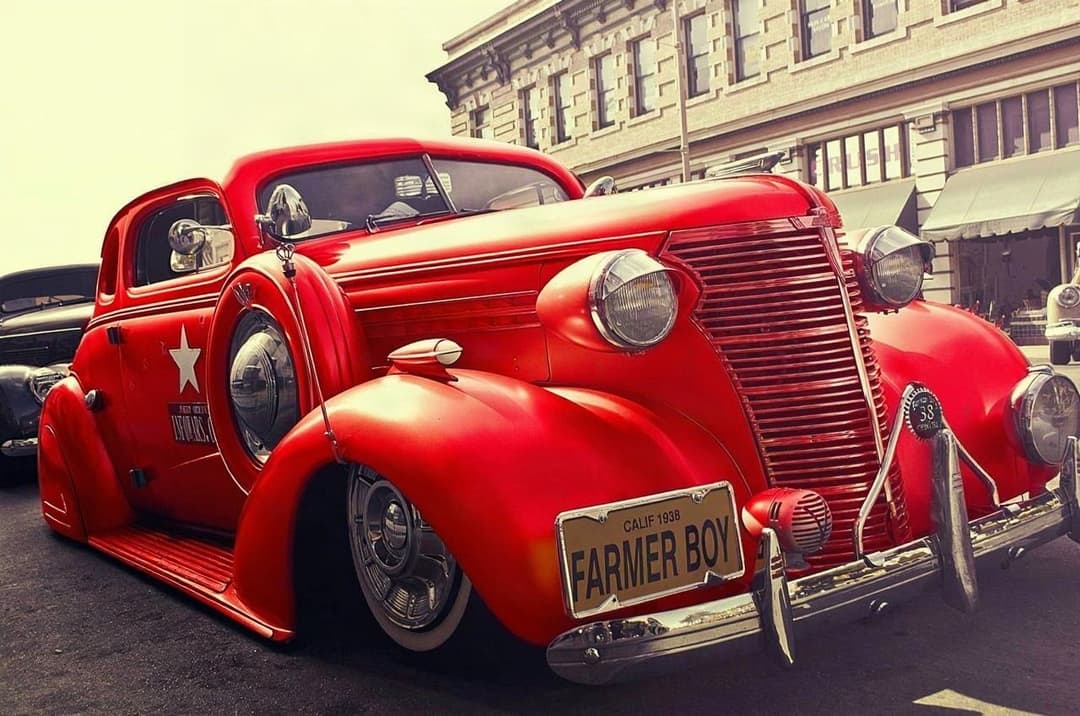
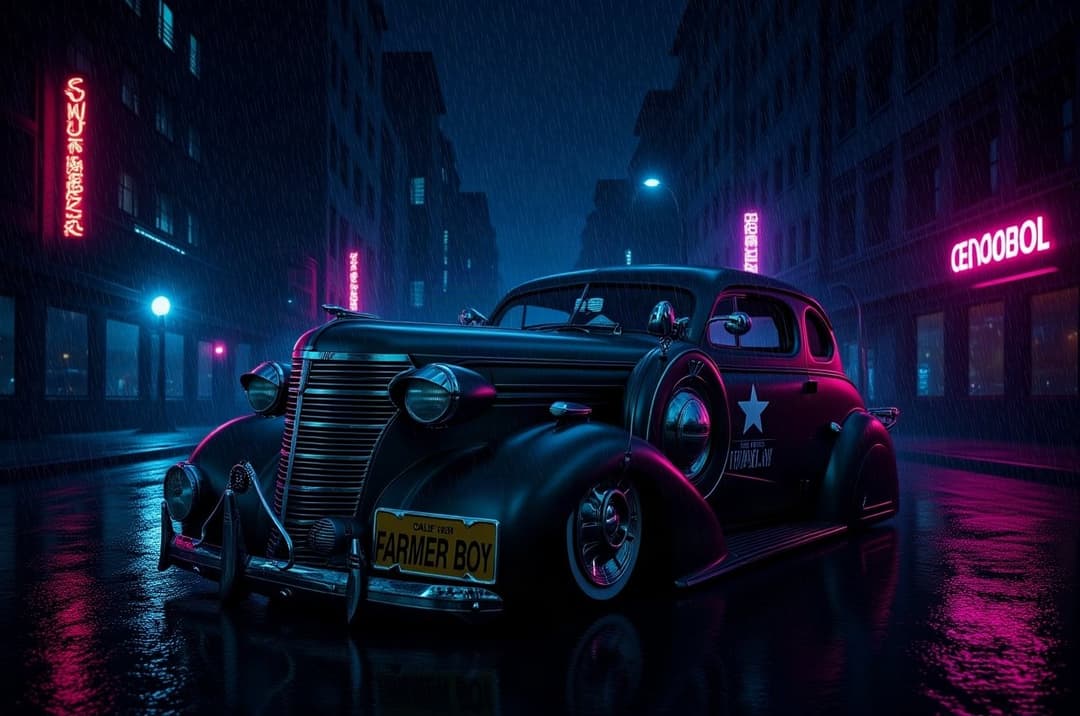
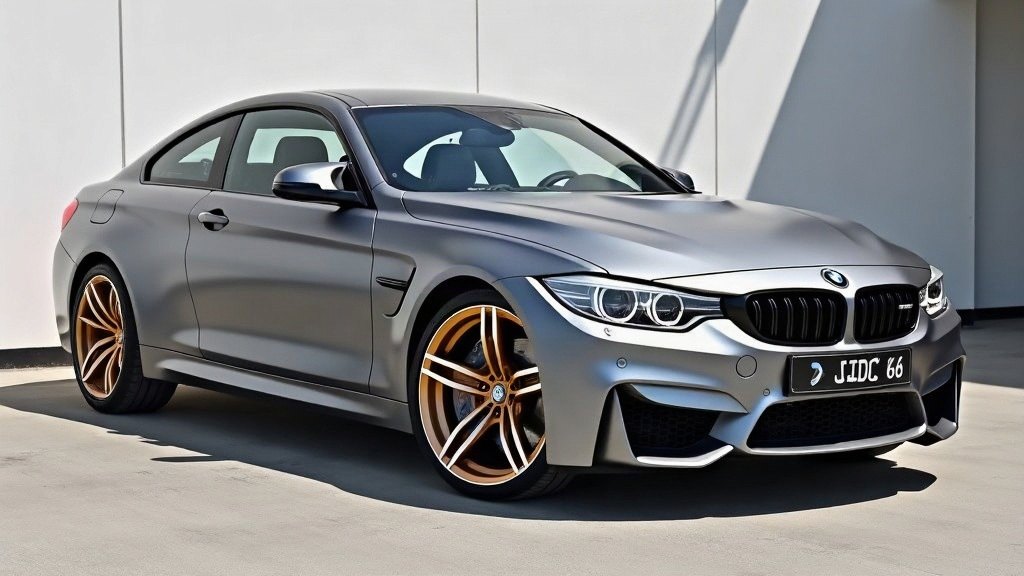
Export sizes for TikTok
| TikTok video / Reel | 9:16 | 1080 × 1920 | Full-screen vertical feed |
| Story-style export | 9:16 | 1080 × 1920 | ModDrip one-tap Story export |
How it works
- 1Upload one photo of the car
- 2Tap colors, wheels or a wrap to preview
- 3Export the 9:16 image or story
- 4Drop it into TikTok as a photo or clip
⚡ Runs in your browser. Open the demo editor and play with every mod on our M4 — nothing to install. Sign up free to do it on your own car.
Creator FAQ
How do I make a car edit for TikTok?+
Upload a photo, preview a color/wheel/wrap change in ModDrip, then export the vertical 9:16 image and post it as a TikTok photo or drop it into a clip.
What size are TikTok car edits?+
Vertical 9:16, 1080 × 1920 px. ModDrip’s Story export is already that size.
Is there a watermark?+
The free tier adds a small ModDrip mark. Any paid plan removes it, and watermark removal is also available as a one-off.
Can I use the images commercially and monetize the videos?+
Commercial rights are included on the Quarterly plan and above (and Dealership). Personal, non-monetized previews are fine on any plan. You own the edit of your own photo.