Make YouTube car thumbnails that get clicks
A bold before/after on your real car — sized for the 16:9 thumbnail.
🚀 Pruébalo en tu navegador — sin descargasA car thumbnail lives or dies on contrast and clarity at a tiny size. A dramatic color, a wide-body stance or a wild wrap on the exact car in your video gives the eye something to lock onto. ModDrip generates that transformed shot from one photo, so your thumbnail promises exactly what the video delivers.
Export at 16:9, 1280 × 720 — YouTube’s thumbnail size — and drop your title text on top. Because it is your real car, the thumbnail stays honest: no bait, just a bolder version of what viewers will see.
Ediciones reales de ModDrip
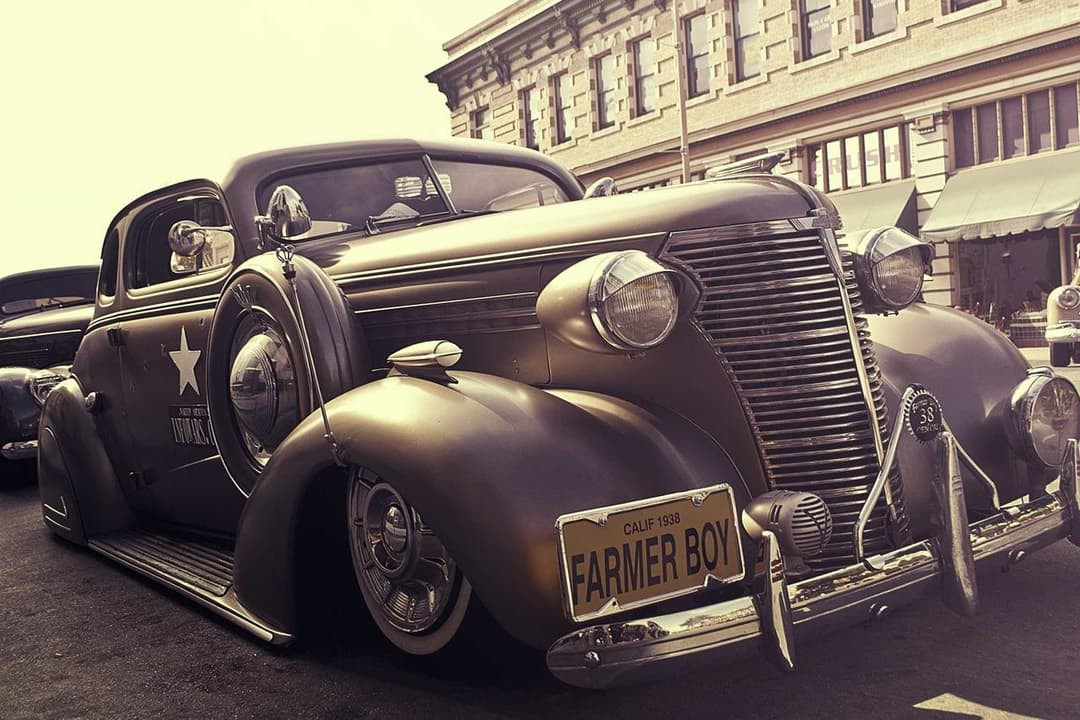
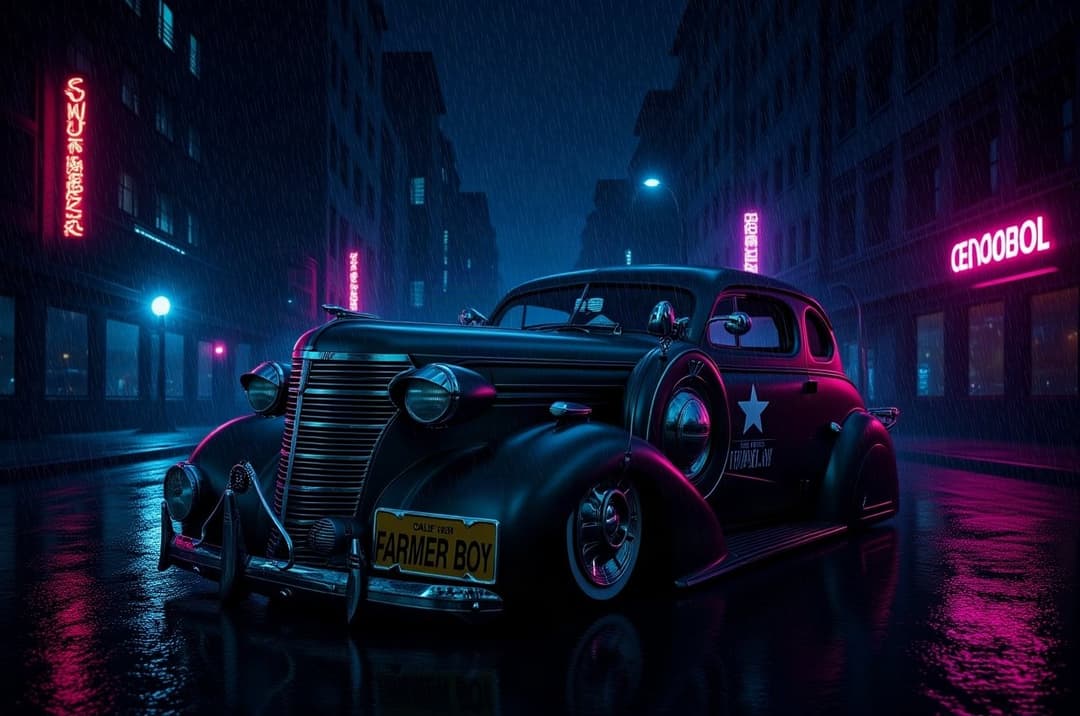
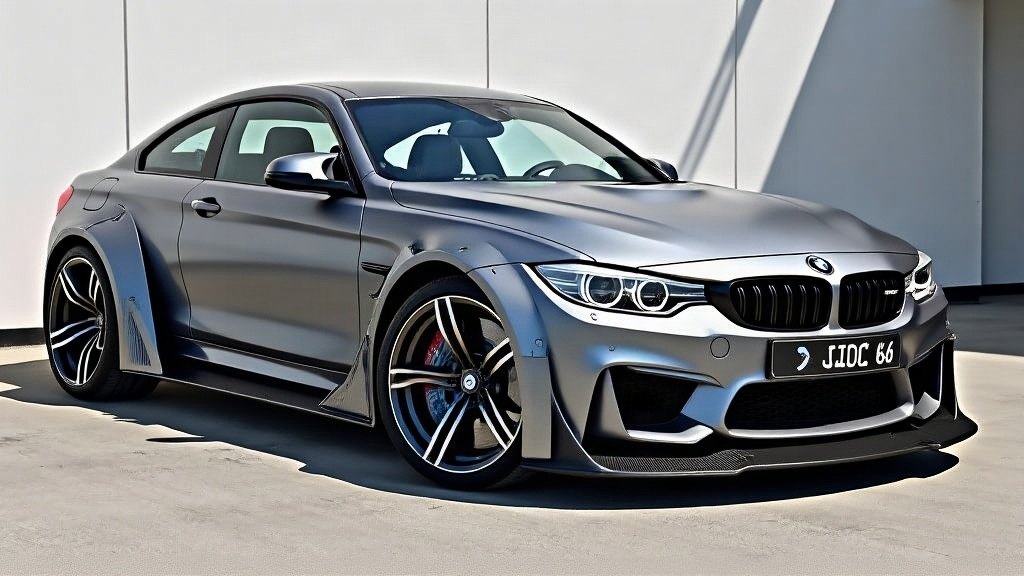
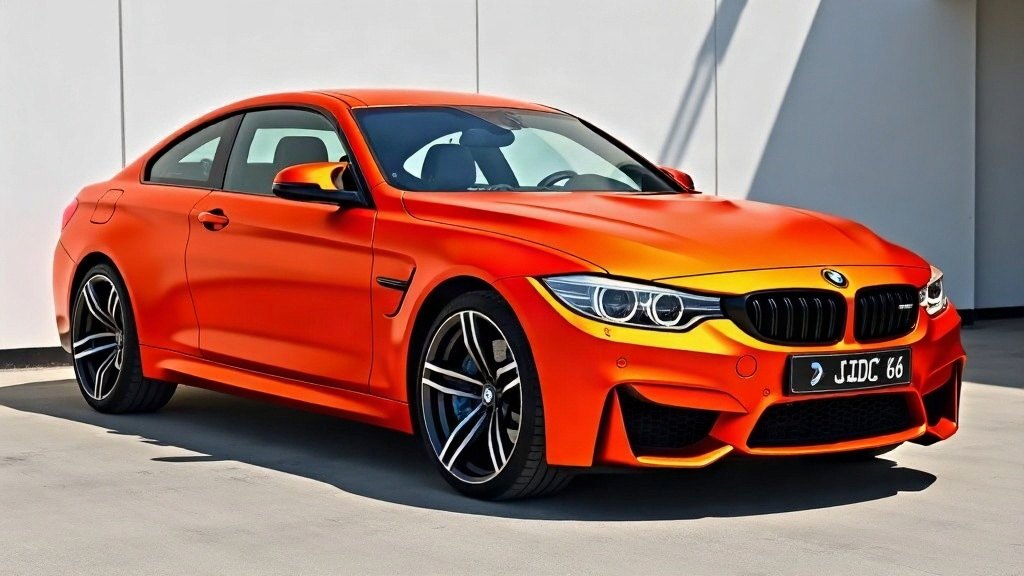
Tamaños de exportación para YouTube
| Thumbnail | 16:9 | 1280 × 720 | Video thumbnail (min 640 wide) |
| End screen / community | 16:9 | 1280 × 720 | End cards & community posts |
Cómo funciona
- 1Upload a clear photo of the car
- 2Preview a high-contrast mod (bold color, wide-body, wrap)
- 3Export a 16:9 image
- 4Add your title text and publish
⚡ Funciona en tu navegador. Abre el editor demo y prueba todos los mods en nuestro M4 — nada que instalar. Regístrate gratis para hacerlo en tu propio coche.
FAQ para creadores
What size is a YouTube thumbnail?+
16:9 aspect, 1280 × 720 px (at least 640 px wide). Export that ratio from ModDrip and add your text.
How do I make a car thumbnail stand out?+
Use a high-contrast change — a bold color, a wide-body kit or a striking wrap — on your real car, then keep the title text short and legible.
Is there a watermark?+
The free tier adds a small ModDrip mark. Any paid plan removes it, and watermark removal is also available as a one-off.
Can I use the images commercially and monetize the videos?+
Commercial rights are included on the Quarterly plan and above (and Dealership). Personal, non-monetized previews are fine on any plan. You own the edit of your own photo.